Operating the Display
Planar Simplicity M Series User Manual
020-1409-00A
Information OSD
Select whether the information message box displays on the screen, and for how long.
Press or to select the desired level.
Options: Off, 1~60 seconds
Default: 10
Splash Screen
Select whether a splash screen appears when the monitor powers up.
Options: Off, On, User
Default: On
Note: Refer to “Creating a Custom Splash Screen Logo” on page 69 for more
information.
Monitor ID
Select the ID code to use with an IR remote control in ID mode. See page 26 for more
info. Press or to select the desired level.
Options: 1~255
Default: 1
Thermal Status
Read the internal temperature of the display
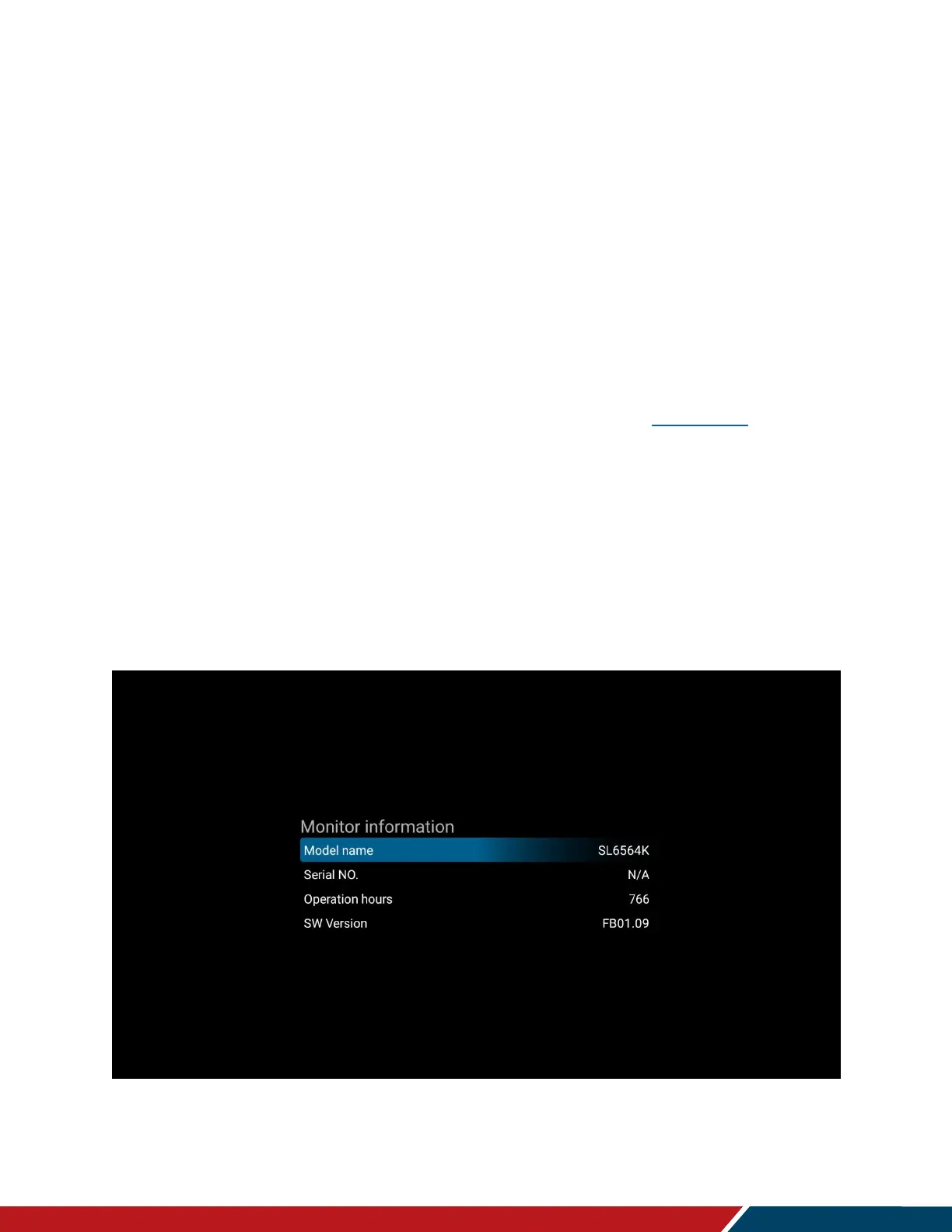
Monitor Information
This read-only menu provides information on the display and its firmware version


 To Next Page