Operating the Display
Planar Simplicity M Series User Manual
020-1409-00A
Off Timer
Force the display to enter standby mode after the specified period of time. Press or
to select the desired level.
Options: Off, 1~24 hours
Default: Off
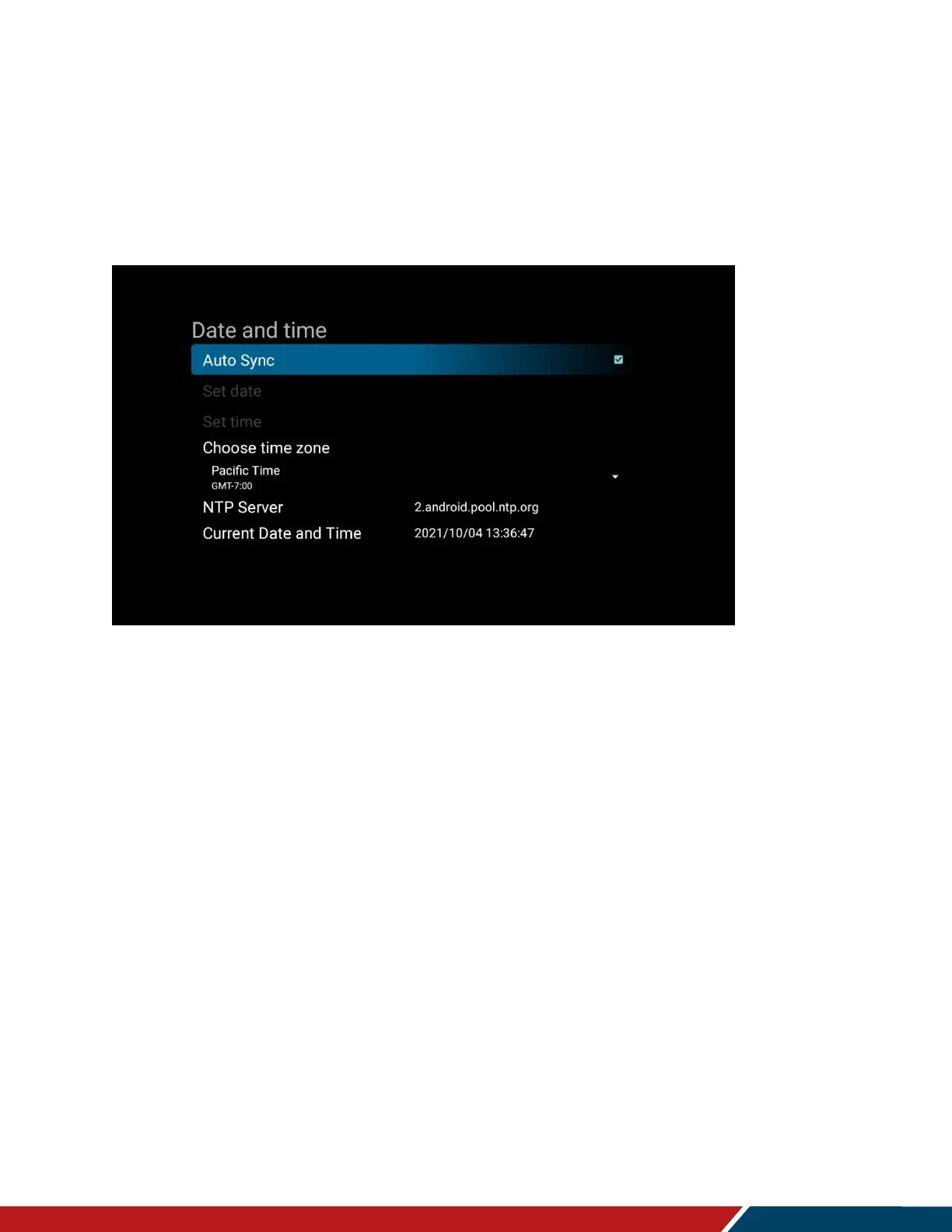
Date and Time
Auto Sync
o Automatically obtain the current date and time information from an NTP server.
o Options: Off, On
o Default: On
Set Date
o Set the current date. Available when Auto Sync is set to Off.
Set Time
o Set the current time. Available when Auto Sync is set to Off.
Choose Time Zone
o Set the current time zone
NTP Server
o Lists the NTP server that will be used to automatically obtain the current date and
time.
Current Date and Time
o Displays the current date and time configured in the display.



 To Next Page