Etha3 etha3
20 21
FAULT FINDING TABLES FAULT FINDING TABLES
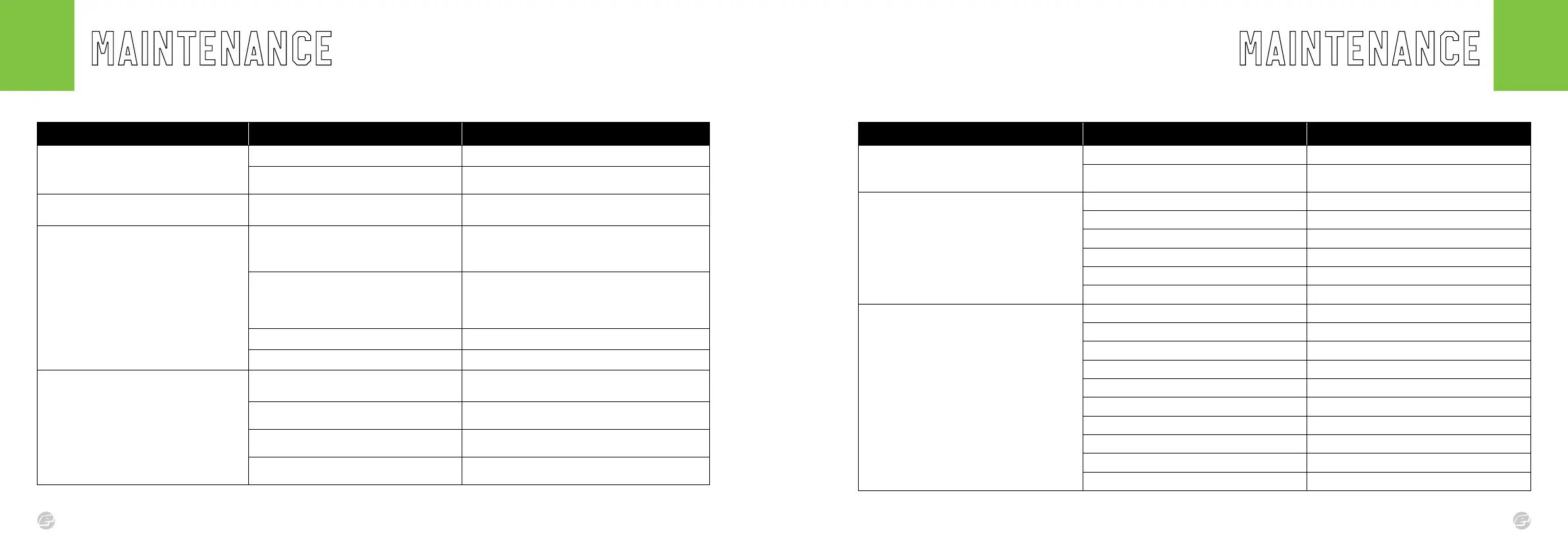
SYMPTOM POSSIBLE CAUSE SOLUTION
Although a fresh battery has been tted, the marker will
not switch on.
The battery has insufcient power. Replace the battery.
The battery has been tted the wrong way.
Remove the battery and check that the terminal indicators and the
battery orientation are correct.
The battery does not last very long. The battery is low quality.
Replace with a good quality alkaline or lithium battery.
Do not use a low quality or rechargeable battery.
The marker leaks from the solenoid.
The following items may be damaged or dirty:
Solenoid gasket, air transfer pipe o-ring,
solenoid plate gasket.
Ensure the gaskets are seated correctly.
Replace the gaskets if damaged (using your parts kit).
Check condition of the #010 NBR70 air transfer pipe o-ring
Solenoid valve is over-pressurised.
Check and adjust the inline regulator output pressure.
Clean and inspect the inline regulator assembly, especially the
piston tip and regulator seal.
Replace damaged components where necessary.
Damaged or incorrect seals on the solenoid spool. Replace and/or lubricate solenoid spool seals.
Damaged SMC solenoid pilot valve. Replace the SMC solenoid pilot valve.
The marker leaks down the barrel.
Dirty or damaged can o-rings.
Clean, lubricate or replace the #020 NBR70 and #017 NBR70 o-
rings on the front of the can.
Dirty or damaged spool o-rings.
Clean, lubricate or replace the #011 NBR70 and #012 NBR70 o-
rings on the main spool.
Dirty or damaged bolt o-rings.
Clean, lubricate or replace the 14x2 NBR70 o-ring on the back of
the bolt.
Dirty or damaged rear bolt guide o-ring.
Clean, lubricate or replace the 14x2 NBR70 o-ring towards the back
of the bolt guide.
SYMPTOM POSSIBLE CAUSE SOLUTION
Low rate of re or not reaching the ROF cap.
The loader’s force setting is too low (where applicable). Increase the loader’s force feed setting.
The breech sensor is defaulting and reducing the ROF.
Check the position and condition of both breech sensors.
Clean or replace the breech sensor light pipes if required.
The marker is breaking paintballs in the barrel or breech.
The ball detents are damaged or missing. Replace the ball detents.
The loader’s force setting is too high (where applicable). Reduce the loader’s force feed setting.
The paintballs are poor quality. Try a higher grade of paint.
The breech sensor is switched off. Switch on the breech sensor.
The bolt and/or breech sensor is dirty. Cleane the bolt and breech sensor/light pipes.
The marker velocity is set too high. Check and adjust the velocity accordingly.
The marker does not re.
The marker is not switched on. Power up the marker using the ON/OFF button.
The POPS is not fully engaged. Push in the POPS switch until it engages.
The battery quality or charge level is very low. Install a new high quality alkaline or lithium battery.
The battery is at. Replace the battery.
The DWELL parameter is set too low. Increase the DWELL parameter.
The trigger is set-up incorrectly. Adjust trigger to fully open and close the microswitch.
The solenoid is not plugged into the PCB. Plug the solenoid wire into the PCB port.
The breech sensor is enabled but no paint in the breech. Fill loader with paint. Ensure loader is feeding correctly.
The PCB is damaged. Replace the PCB.
The solenoid valve is damaged. Replace the solenoid pilot valve.















 To Next Page