15
4. Install the terminal block on the BSP-360.
Note
a. The voltage of DC out is based on the battery voltage and the
maximum DC out from the BSP-360 is 24VDC, 2A.
b. The wire gauge for the terminal block should be in the range
from 16 to 20 AWG.
c. The external device should also be grounded properly.
Please ensure the output voltage is correct for remote device.
Otherwise, it will damage your remote device.
Step 6. Connecting to PC or your remote Ethernet network.
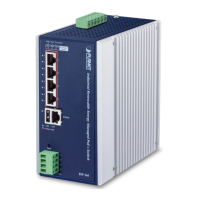
BSP-360
Ethernet Switch
Monitoring Center
After completing the above 6 steps, the BSP-360 is ready for service.












 To Next Page