Installation, step by step
Follow the instructions below to set up the hub.
Step 1. Select a suitable place to put the hub or to install.
Make sure there is an AC outlet nearby the AC adapter
and the hub.
Step 2. Power off all of the computers, hubs, or other devices
that will be connected to the hub.
Step 3. Connect the AC adapter to the AC outlet on the wall.
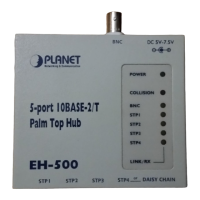
Step 4. Connect the DC power cord from AC adapter to the
hub. The power LED should light up.
Step 5. Connect all the cables and connectors.


 To Next Page
 Loading...










