9
4.1 Logging on to the Console
Once the terminal has been connected to the device, power on the Industrial
Managed Switch and the terminal will display “running testing procedures”.
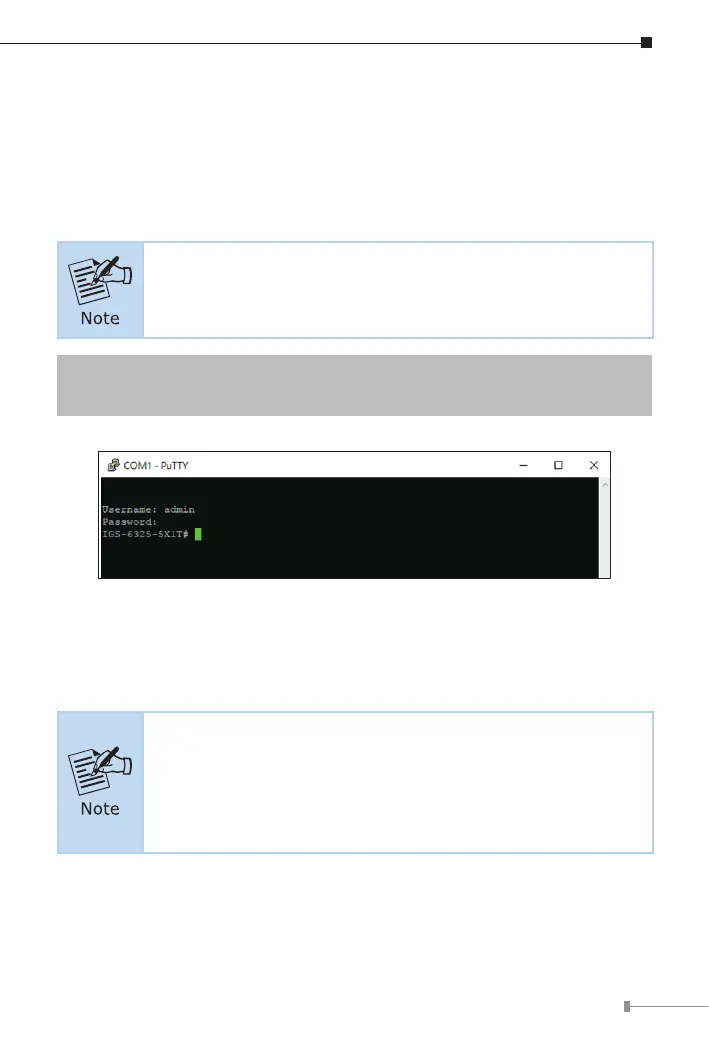
Then, the following message asks to log in user name and password. The
factory default user name and password are shown as follows as the login
screeninFigure4-1appears.
IGS-6325-5X1T is used as a representative in all the following
console screens.
Username:admin
Password: admin
Figure 4-1: Console Login Screen
The user can now enter commands to manage the Industrial Managed Switch.
For a detailed description of the commands, please refer to the following
chapters.
1.For security reason, please change and memorize the
new password after this first setup.
2.Only acceptcommand inlowercase letter underconsole inter-
face.












 To Next Page