15
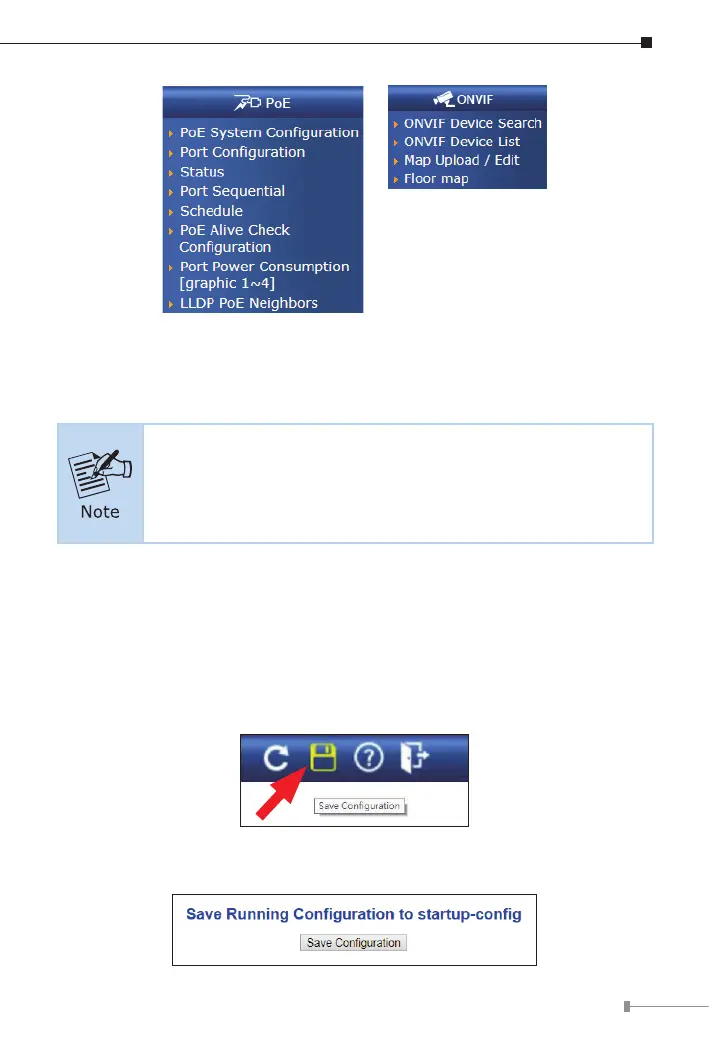
Figure 5-6: Switch Sub-menu (ONLY for IGS-6325-4UP2X)
Now, you can use the Web management interface to continue the Switch
management.
IfyouarenotfamiliarwithSwitchfunctions ortherelatedpara-
meter, press “Help icon” anytime on the Web page to get the
help description.
5.2 SavingCongurationviaWeb
To save the current conguration as a startup conguration, click the “Save”
icon,and thenthe startupconguration le will be loadedautomatically across
a system reboot.
1. Click the Save icon on the top Switch Menu bar.
2. Press the “Save Conguration” button.












 To Next Page