14
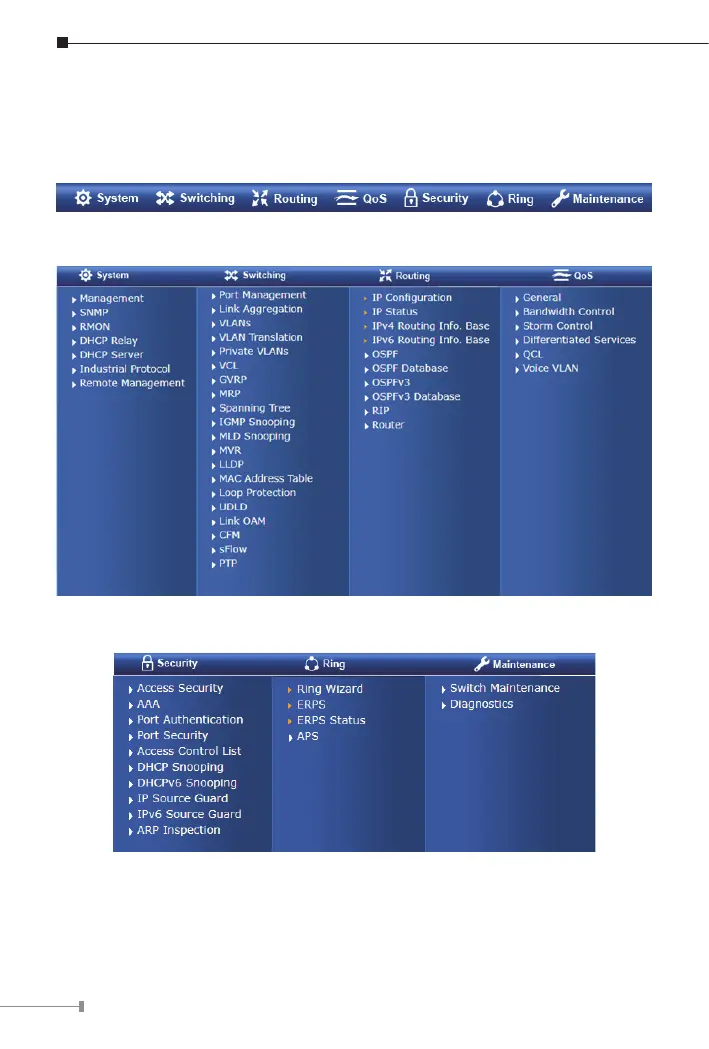
The Switch Menu on the top of the Web page lets you access all the
commands and statistics the Industrial Managed Switch provides. The Switch
Menu always contains one or more buttons, such as “System”, “Switching”,
“Routing”, “QoS”, “Security”, “Ring” and “Maintenance”.
Figure 5-4: Switch Menu
Figure 5-5: Switch Sub-menu
Figure 5-6: Switch Sub-menu
In addition to the menu items that IGS-6325-4T2X/IGS-6325-5X1T presents
above, the IGS-6325-4UP2X which supports IEEE 802.3bt PoE also provides a
specicmenu itemforrelatedPoEfunctionalsettings.












 To Next Page