12
5. Starting Web Management
The following shows how to start up the Web Management of the Industrial
Managed Switch. Note the Industrial Managed Switch is congured through an
Ethernet connection. Please make sure the manager PC must be set to the
same IP subnet address.
For example, the default IP address of the Industrial Managed Switch is
192.168.0.100, then the manager PC should be set to 192.168.0.x(wherex
is anumber between 1 and 254,except 100), and the default subnet mask is
255.255.255.0.
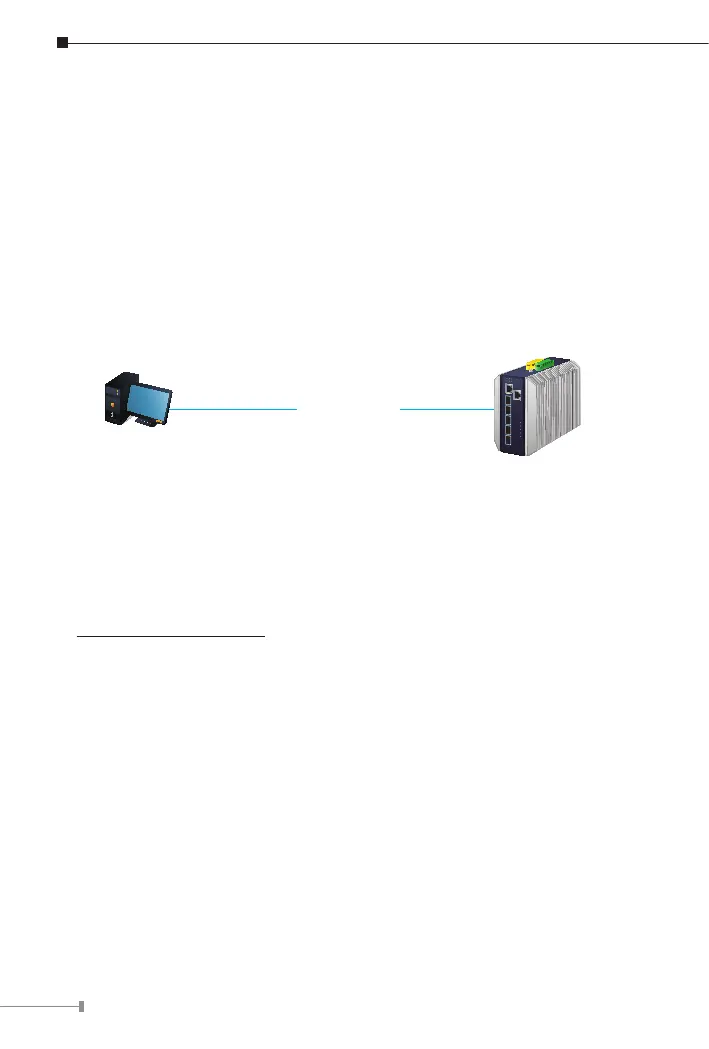
IP Address: 192.168.0.x
IP Address: 192.168.0.100
IGS Industrial Managed Switch
RJ45/UTP Cable
Figure 5-1: IP Management Diagram
5.1 Logging in to the Industrial Managed Switch
1.Use Chrome 98.0.xxx or above for Web browser and enter IP address
https://192.168.0.100(the factory-defaultIP address)to accessthe Web
interface.












 To Next Page