22
LAN Settings
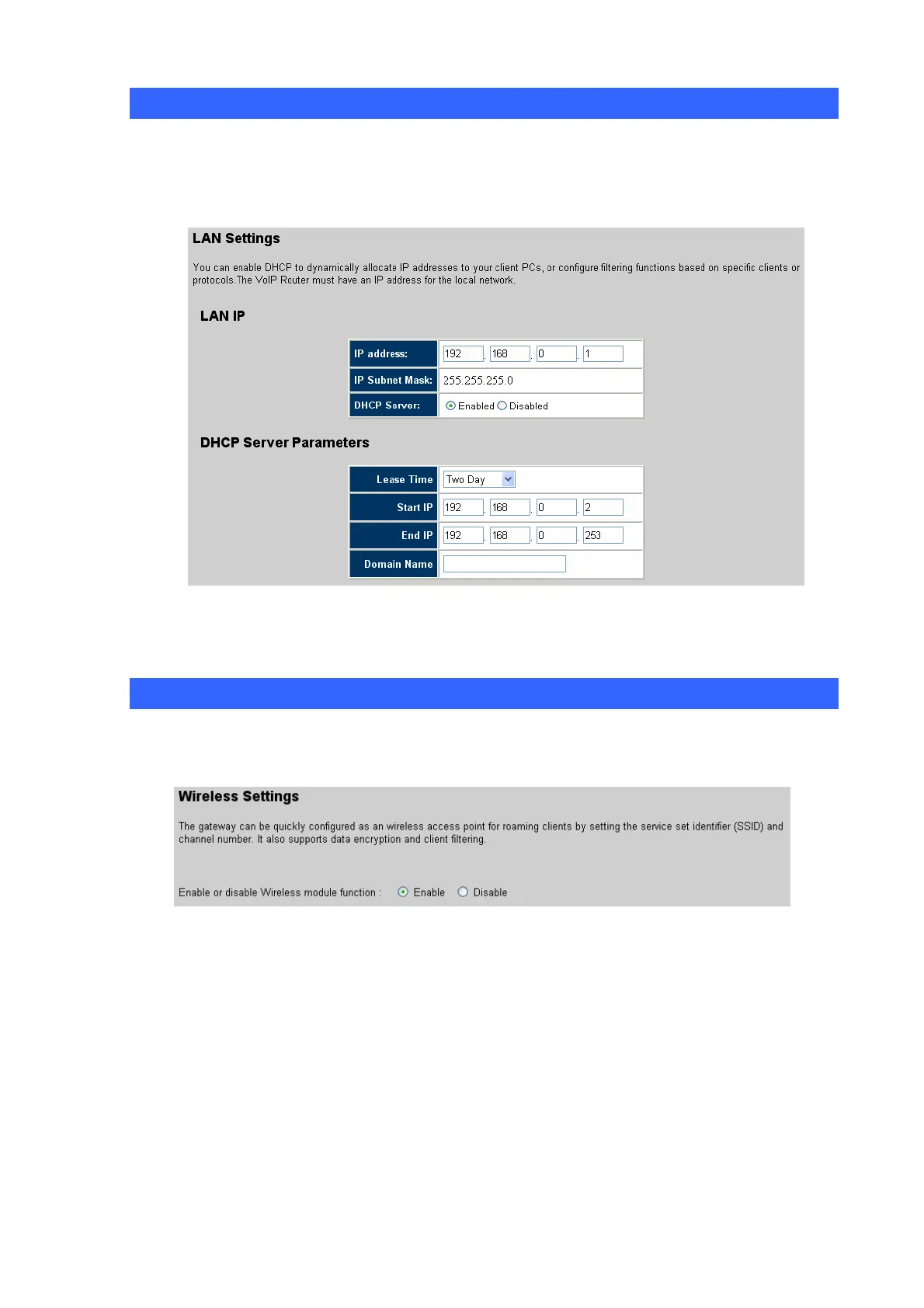
The VIP-462DG needs to have an IP address of the local network. You can enable DHCP to
dynamically allocate IP addresses to your client PCs. When DHCP server is enabled, you need to enter
the IP address range for the local hosts.
The domain name field is empty in most case. In some special ISP need input domain name field.
Wireless Setting
VIP-462DG can be quickly configured as a wireless access point for roaming clients by setting the
service set identifier (SSID) and channel number. It also supports data encryption and client filtering.














 To Next Page