PLANET 802.11n Wireless Presentation Gateway
WPG-210N
4.5. MAC Audio Projection
First, before starting Audio Projection, please install the “Soundflower.mpkg” (MAC system extension for
audio using) on your computer. Please find the software in bundled CD-ROM.
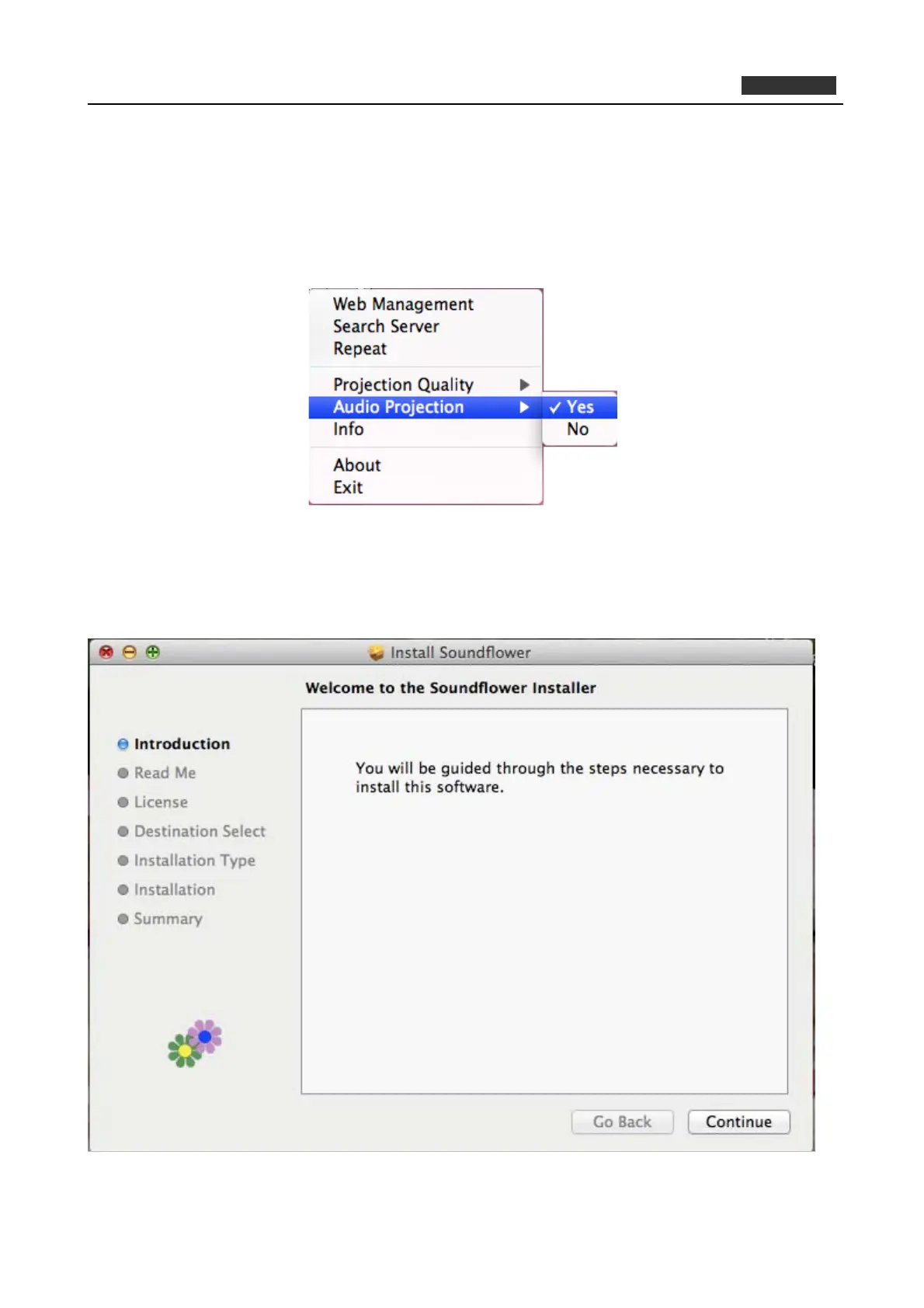
Second, click menu to open function list and enable Audio Projection, then you can hear the audio from
device when projecting.
Figure 4-13
1) Execute the “Soundflower.pkg” in the Mac OS.
2) It will pop up a window “Welcome to the Soundflower Installer”, and then please click “Continue”.
Figure 4-14
36



 To Next Page