System Configuration
5-4
5
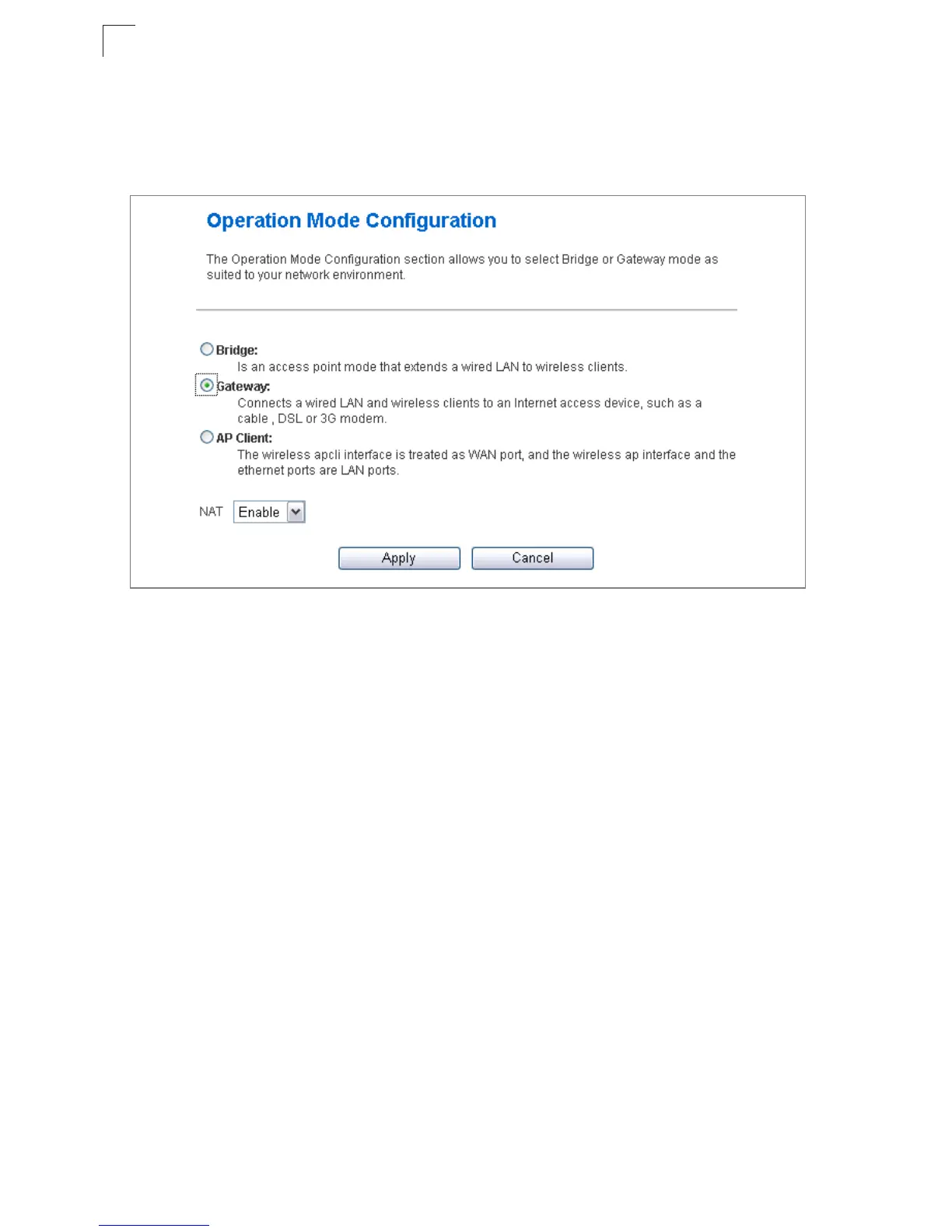
Operation Mode configuration
The Operation Mode Configuration pages allow you to set up the mode suitable for your
network environment.
Figure 5-3. System Information (Gateway Mode)
• Bridge Mode – An access point mode that extends a wired LAN to wireless clients.
• Gateway Mode – A gateway mode that connects a wired LAN and wireless clients to an
Internet access device, such as a cable or DSL modem. This is the factory set default
mode.
• AP Client Mode – Appears only when you’ve selected the Bridge Mode in the Setup
Wizard. The wireless application interface is treated as WAN port, and the wireless ap
interface and the ethernet ports are LAN ports.
Network Settings
The Network Settings pages allow you to manage basic system configuration settings.
Note: In Bridge mode, the Multimedia Router’s Network Settings options are
significantly reduced.
WAN Setting
Specifies the Internet connection parameters. Click on “Network Settings” followed by
“WAN”.



 To Next Page