Firewall
5-37
5
• Destination IP Address – Specifies the destination IP address to block or allow traffic
from.
• Source IP Address – Specifies the source IP address to block or allow traffic from.
• Protocol – Specifies the destination port type, TCP, UDP or ICMP. (Default: None).
• Destination Port Range – Specifies the range of destination port to block traffic from
the specified LAN IP address from reaching.
• Source Port Range – Specifies the range of source port to block traffic from the
specified LAN IP address from reaching.
• Action – Specifies if traffic should be accepted or dropped. (Default: Accept)
Comment – Enter a useful comment to help identify the filtering rules.
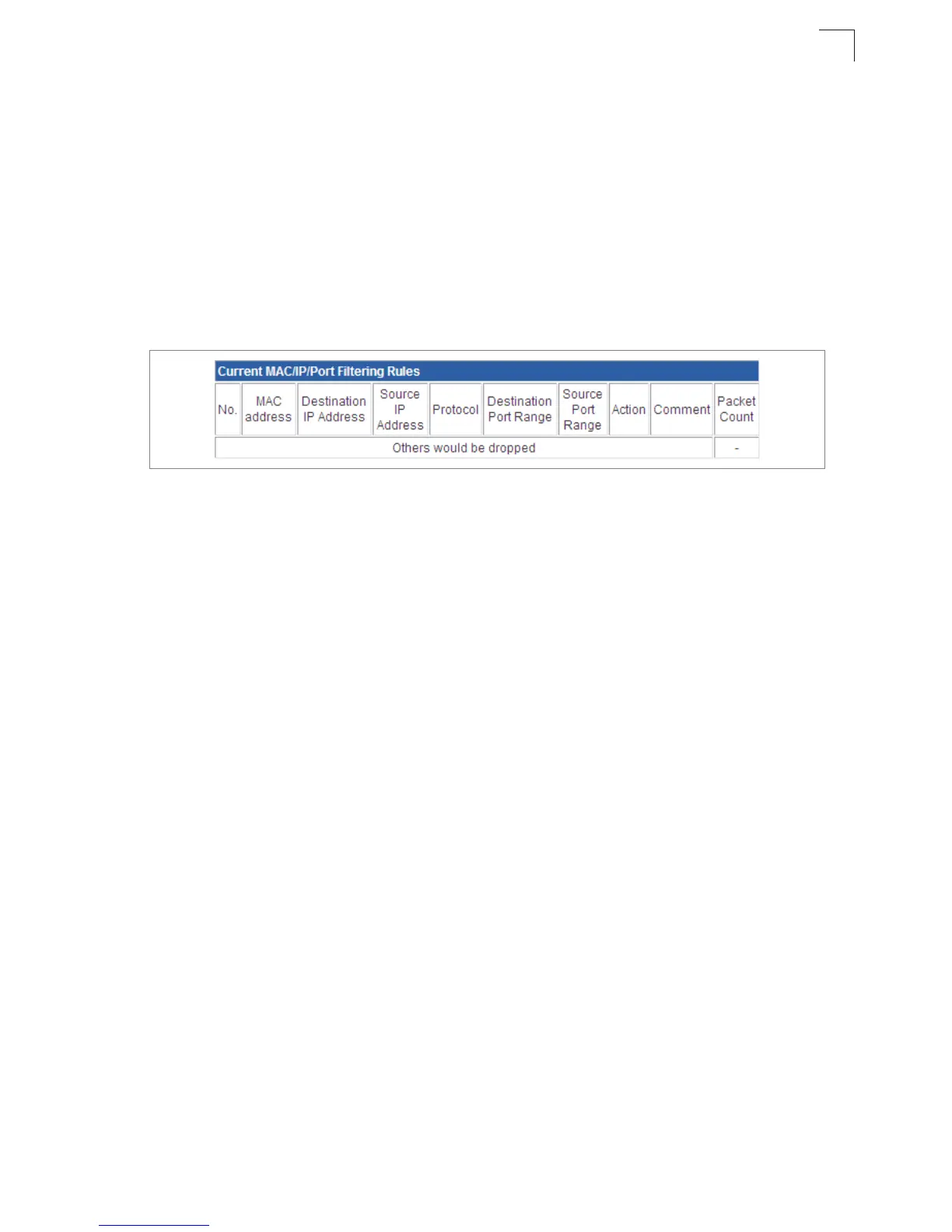
Figure 5-25. MAC/IP/Port Filtering Rules
Current Filter Rules
The Current Filter Table displays the configured IP addresses and ports that are permitted
or denied access to and from the ADSL/Router.
• Select – Selects a table entry.
• MAC Address – Displays a MAC address to filter.
• Destination IP Address – Displays the destination IP address.
• Source IP Address – Displays the source IP address.
• Protocol – Displays the destination port type.
• Destination Port Range – Displays the destination port range.
• Source Port Range – Displays the source port range.
• Action – Displays if the specified traffic is accepted or dropped.
• Comment – Displays a useful comment to identify the routing rules.
Virtual Server Settings (Port Forwarding)
Virtual Server (sometimes referred to as Port Forwarding) is the act of forwarding a
network port from one network node to another. This technique can allow an external user
to reach a port on a private IP address (inside a LAN) from the outside through a
NAT-enabled router. (Maximum 32 entries are allowed.)


 To Next Page