Network Settings
5-5
5
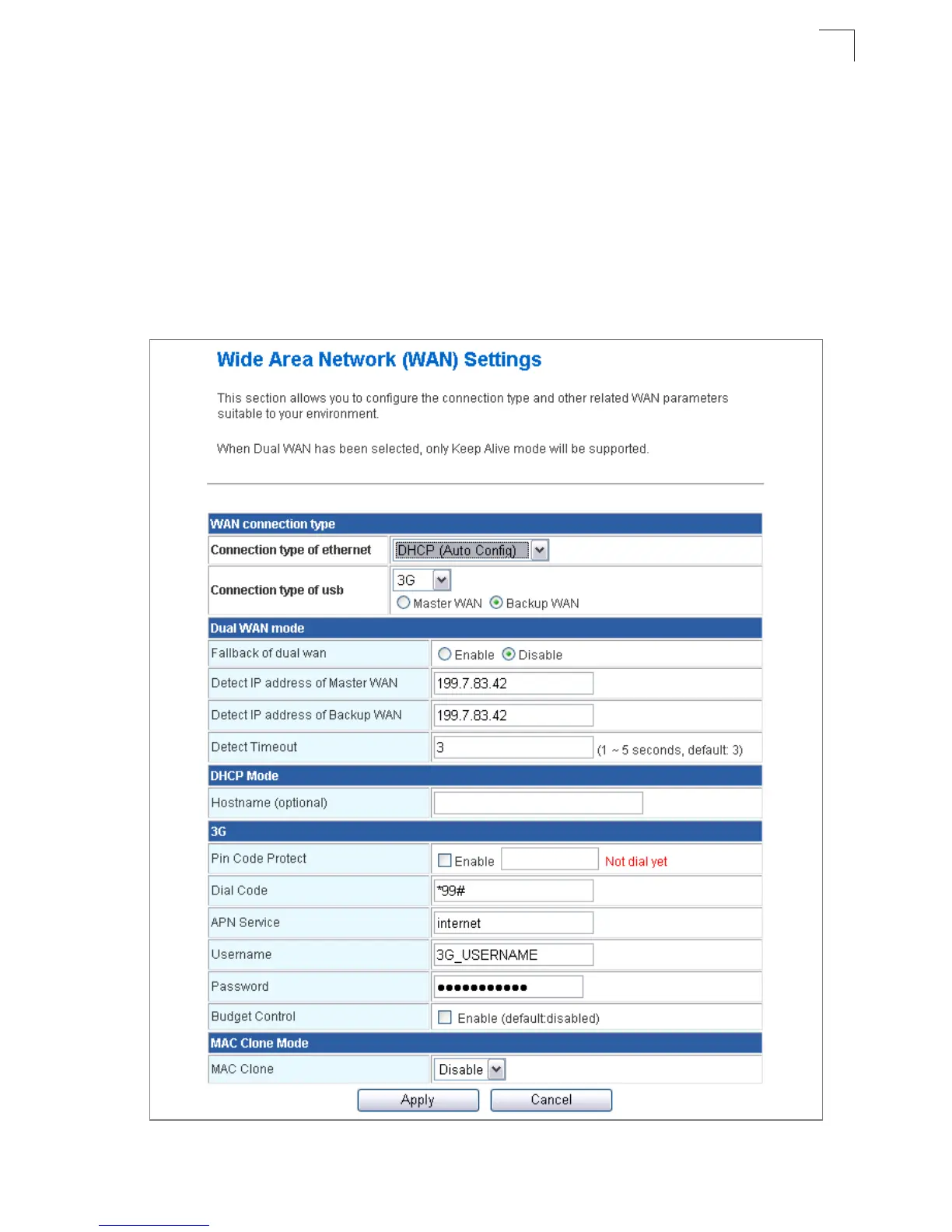
WAN Connection Type — By default, the access point WAN port is configured with
DHCP enabled. After you have network access to the access point, you can use the web
browser interface to modify the initial IP configuration, if needed. The options are Static IP,
DHCP, PPPoE (ADSL), L2TP, PPTP and 3G. Each option changes the parameters
displayed below it. (Default: DHCP).
DHCP
Enables Dynamic Host Configuration Protocol (DHCP) for the WAN port. This setting
allows the Multimedia Router to automatically obtain an IP address from a DHCP server
normally operated by the Internet Service Provider (ISP).
Figure 5-4. WAN Setting - DHCP



 To Next Page