The Internet menu
6-3
6
The Internet menu
Note: Before using this menu, make sure the Multimedia Router is connected to the
Internet.
Tap to open the Internet menu, and you can select to access Internet radio,
video clips or photo albums.
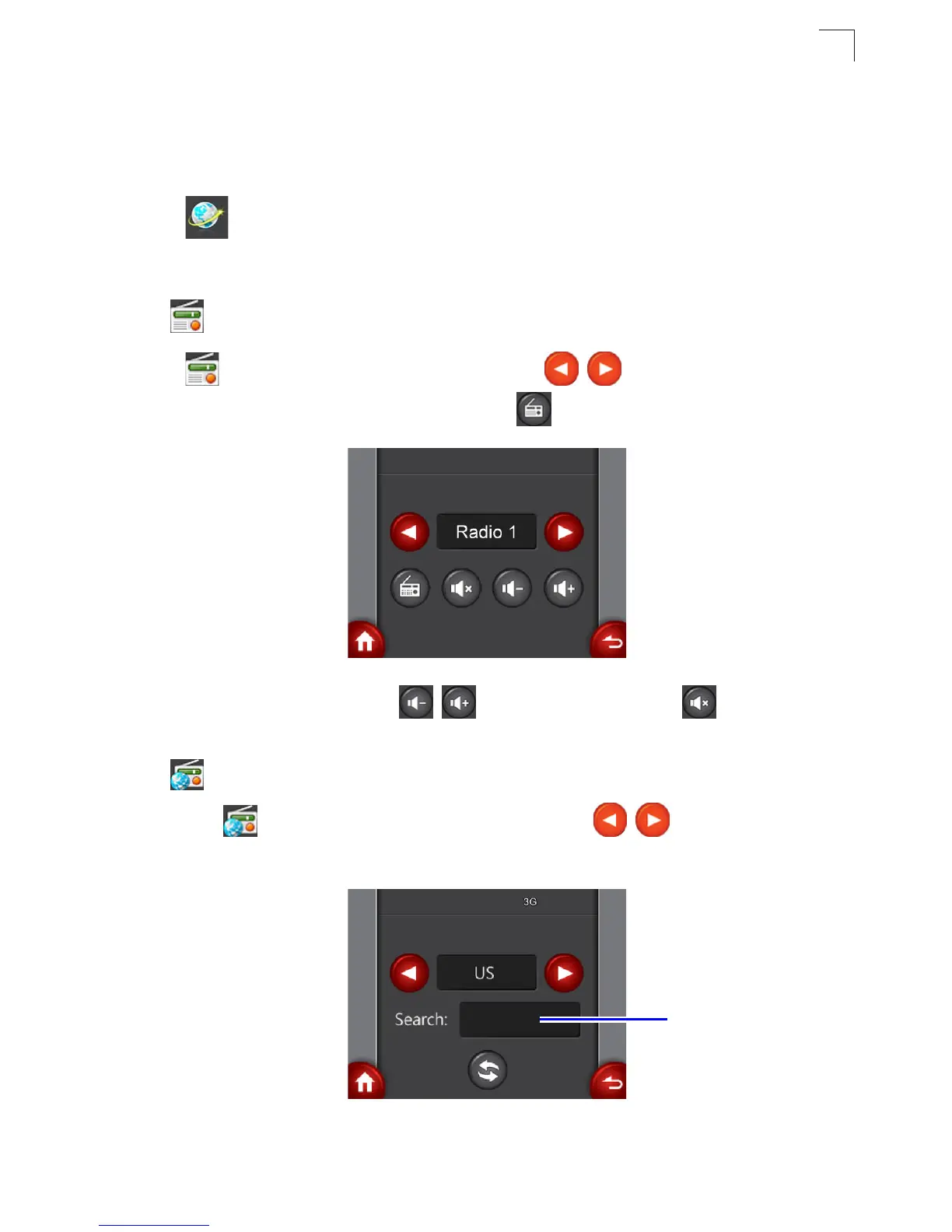
• Internet Radio
Tap to enter the Internet Radio screen. Tap / to select a preset
Internet radio station to listen to and then tap to start playback.
- To adjust the volume, tap / . To mute the sound, tap .
• YouTube
1. Tap to enter the YouTube setting screen. Tap / to select the video
location.
Search: box



 To Next Page