Copyright Planika Sp. z o.o. www.planikafires.com 6
WARNING! ERROR 01 - the fuel spilled out of the filler:
• stop filling the fuel instantly!
• remove the funnel
• dry the visible moisture, close the filler flap
• turn off the device with the red button
• if the spillage is excessive the source of power needs to be disconnected
• wait at least 1 hour until the remaining moisture evaporates
• after 1 hour turn the device on with the red button
• if the ERROR 01 message appears, turn off the device and wait a bit longer until the remaining
moisture evaporates.
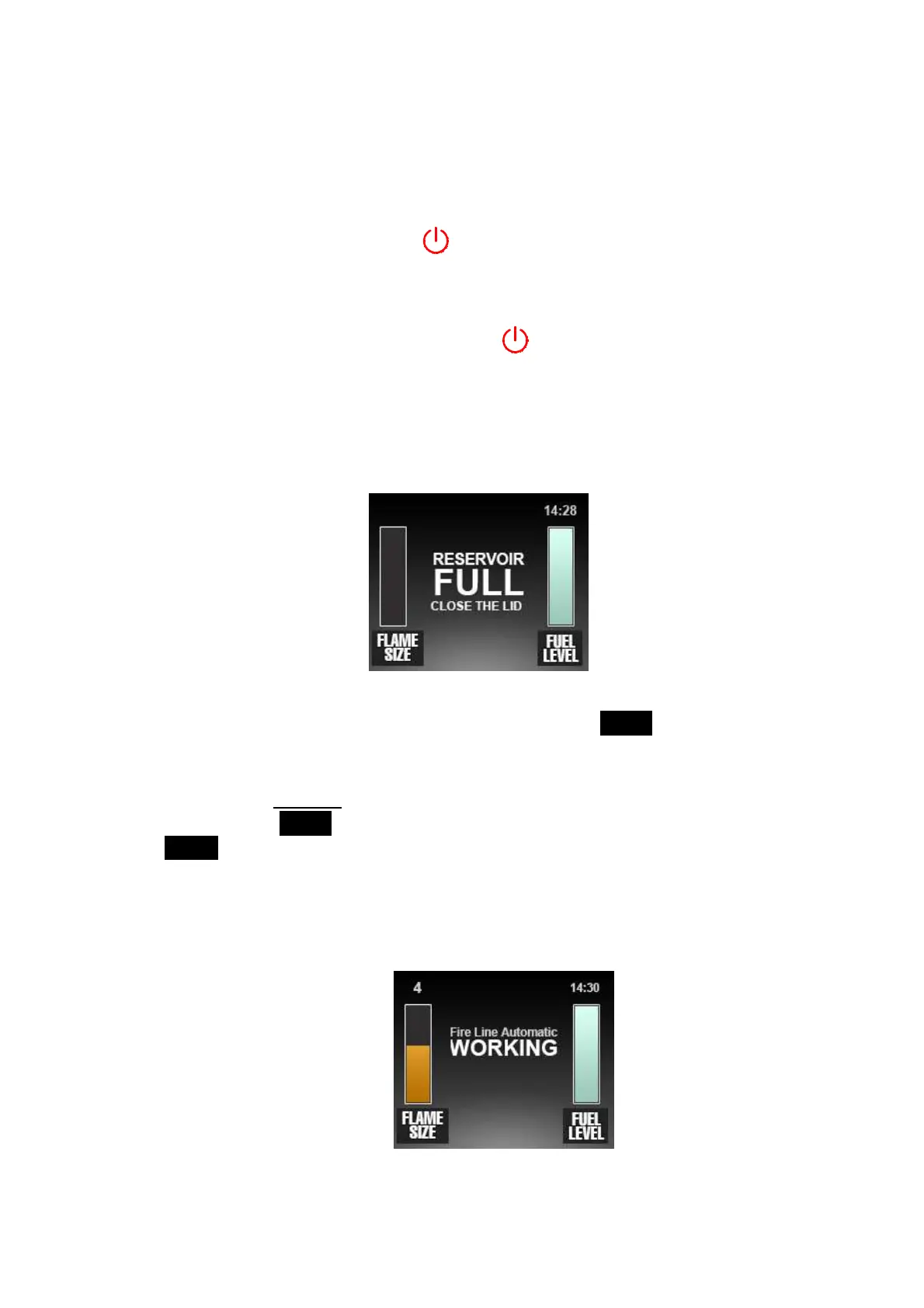
3c. When the message RESERVOIR FULL CLOSE THE LID appears on the display, stop pouring! Take
the funnel out and close the filler flap.
4. When message turns into READY – you can start up the device:
- press the
START/STOP
button on the control panel or the
START
button on the remote
control or on the configured appliance. WARNING! The glowing coil starts to heat up to 1300°C,
when you touch it you may be burnt!
- If the function Child lock is turned on, you need to hold the
START/STOP
button on the
control panel or
START
button on the remote control for 3 seconds. It is also possible to push
START
button on the configured appliance. WARNING! The filament starts to heat up to
1300°C, when you touch it you may be burnt!
5. PLEASE WAIT message – you need to wait a moment as it takes a few seconds for the appliance
to ignite the flame.
6. WORKING message – the device is in working mode.


 To Next Page