Copyright Planika Sp. z o.o. www.planikafires.com 7
Flame size regulation
• The appliance initially starts up at the 4
th
level of the flame size
• Adjust the flame size by pressing either the "
+
" or "
-
" button on the remote control, on the
control panel or on the configured appliance.
• Flame size indicator on the display informs about the chosen flame size. There is also a number
of the flame size visible above the flame size indicator.
SLEEP function
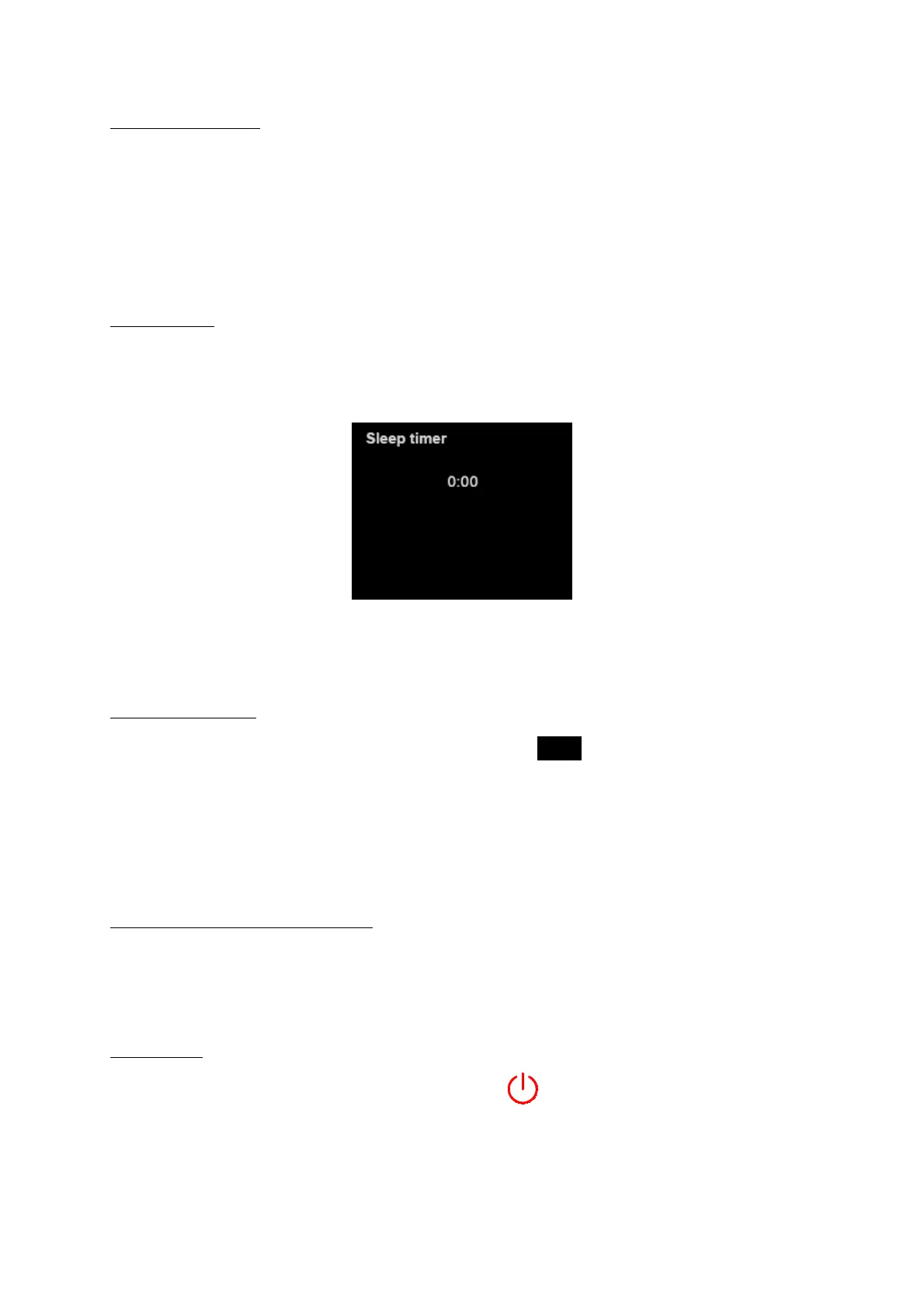
The appliance can be programmed to switch off after a given time. When the message WORKING is
visible on the display, you need to hold ‘+’ and ‘-‘ buttons simultaneously for a few seconds. The screen
will appear.
Using ‘+’ button choose the desired time (not longer than 3 hours) and confirm with ‘-‘ button.
WARNING! The device with SLEEP function turned on cannot be left without supervision!
Device extinguishing
Press the
START/STOP
button on the control panel or the
STOP
button on the remote control or
on the configured appliance.
WORKING message will change into COOLING THE DEVICE – the device is too hot to be started again.
To make the cooling process faster, the cooling fans start operating. When the device cools down the
message on the display turns into READY.
Subsequent start-up of the appliance
NO FUEL message visible on the display - start the procedures as in point 3 of this manual.
READY message visible on the display – start the procedures as in point 4 of this manual.
Switching off
To switch off the device completely press the red button on the control panel.


 To Next Page