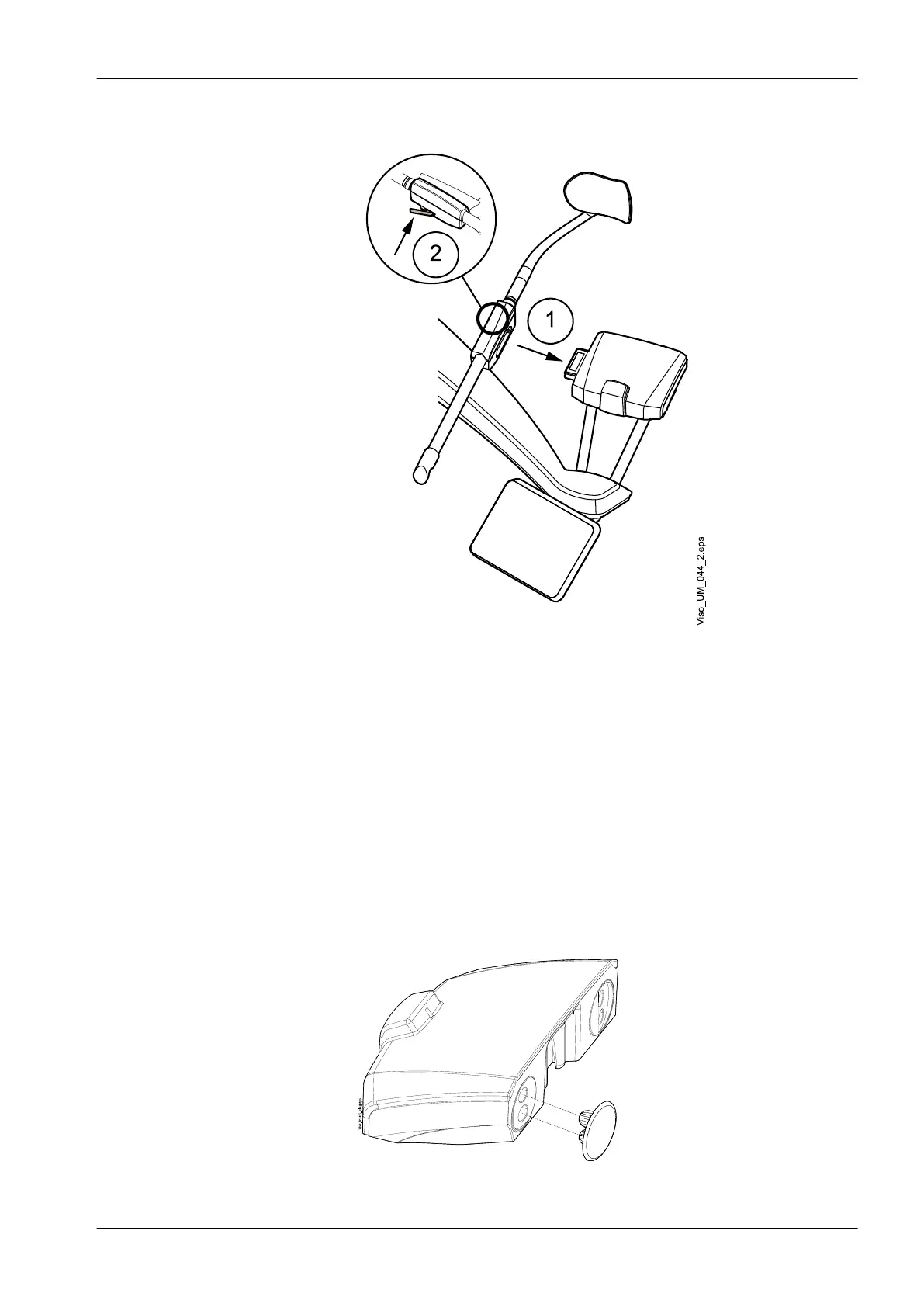
2. Close the locking lever at the back.
9.1.1.6 Removing rear head support
Steps
1. Release the locking lever.
2. Pull out the head support.
9.1.1.7 Attaching support bars
About this task
Follow these steps to attach the support bars to the patient support base.
Steps
1. Remove the plugs covering the connectors.
9 Before exposure
User's manual Planmeca Viso 29












 To Next Page