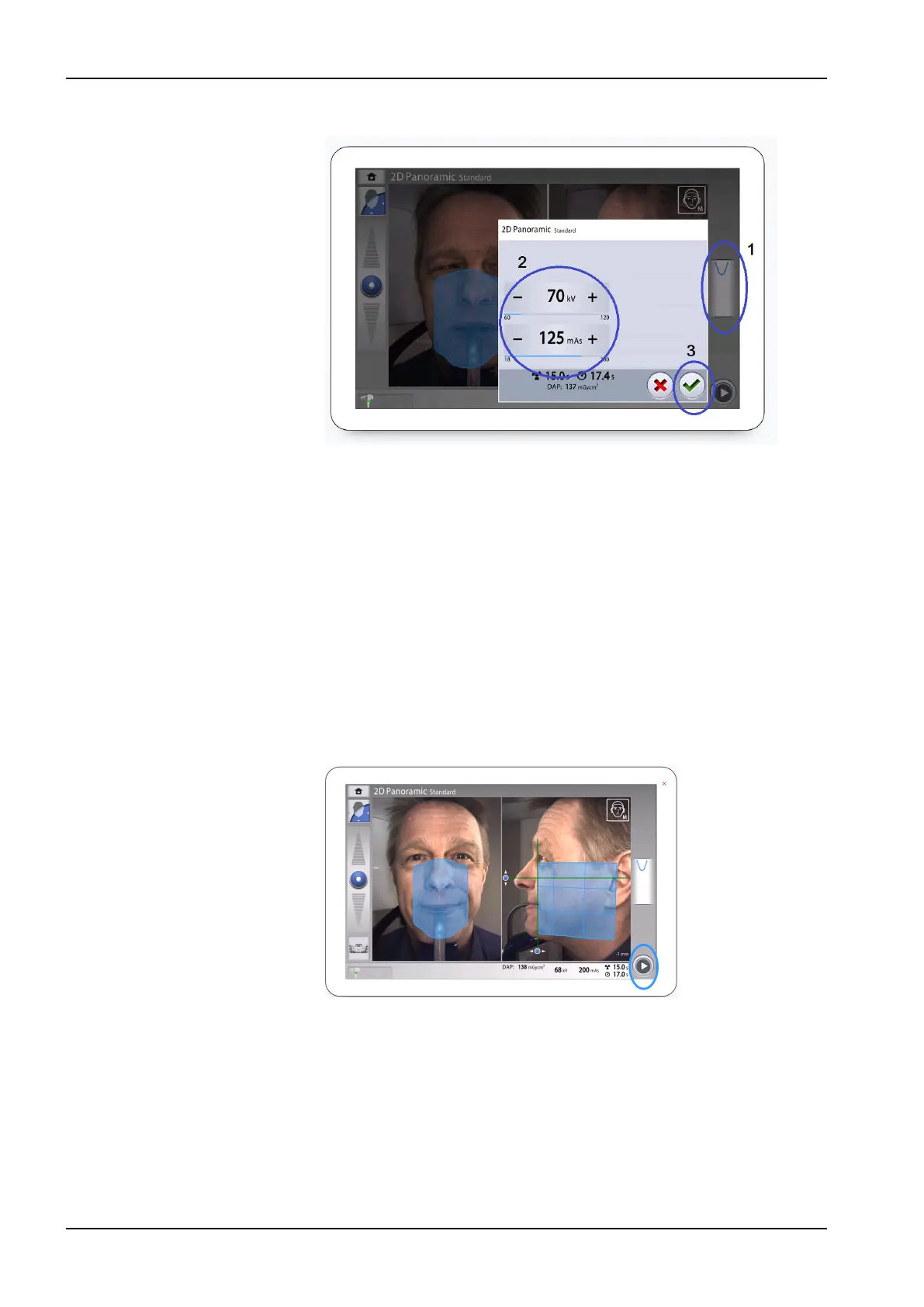
3. Select the green check mark button.
10.6 Taking 2D exposure
10.6.1 2D Panoramic exposure
Before you begin
Make sure that you have selected the correct patient in the Planmeca
Romexis program.
About this task
Follow these steps to take a 2D Panoramic exposure.
Steps
1. Select the forward button.
Green lights flash on the control panel and exposure button when the
X-ray system is getting ready for an exposure. You see this message.
NOTE
Move to a protected area.
10 2D exposure
44 Planmeca Viso User's manual












 To Next Page