Steps
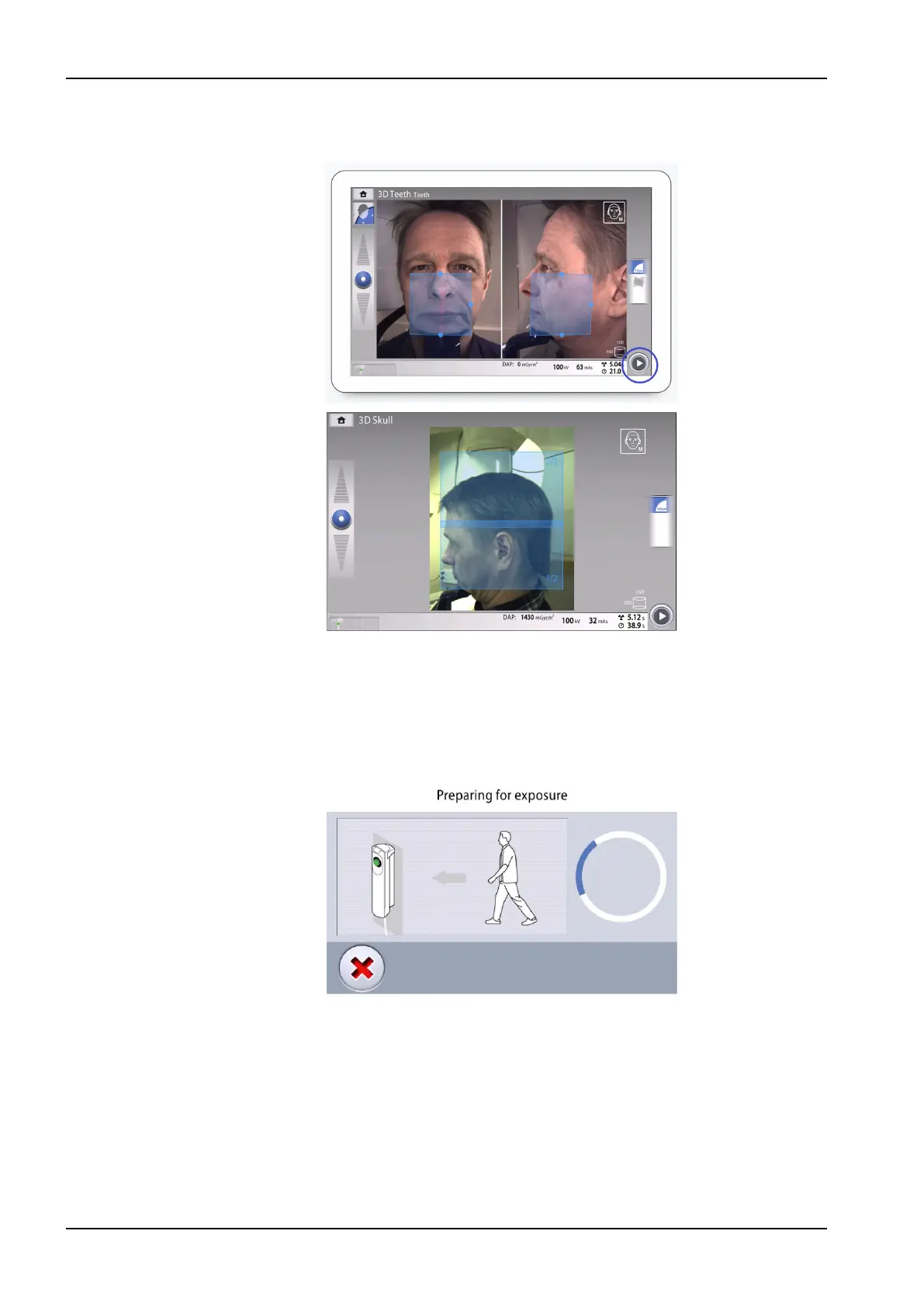
1. Select the forward button.
Green lights flash on the control panel and exposure button when the
X-ray system is getting ready for an exposure.
You see this message.
NOTE
Move to a protected area.
The green lights stop flashing and stay on continuously when the X-ray
system is ready for an exposure. You see this message.
11 3D exposure
68 Planmeca Viso User's manual












 To Next Page