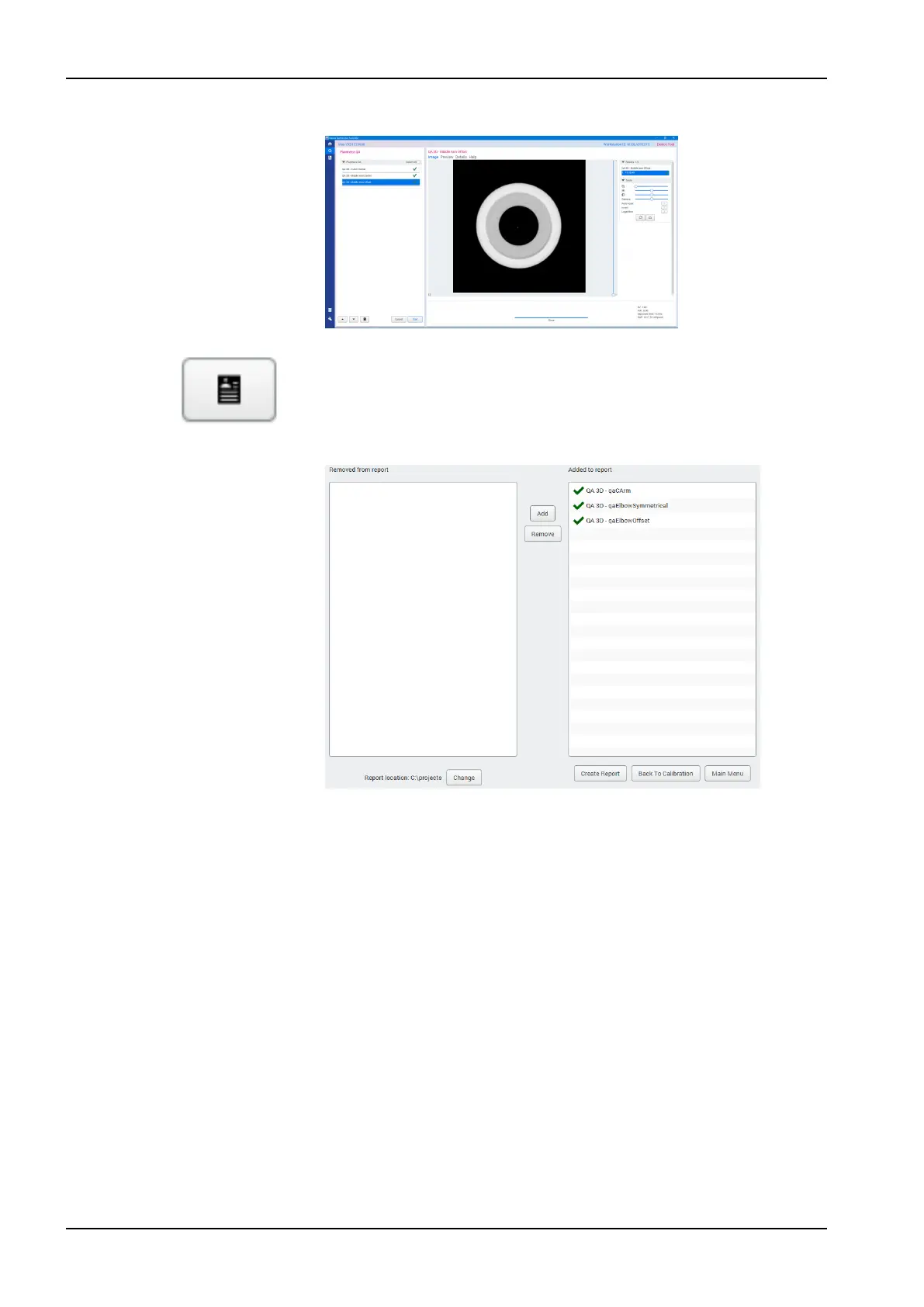
The following image view appears.
14. Click the Open Report Editor button.
The following window is displayed.
On the report page, you can select which of the QA tests you want to
include in the report.
15. Once your selections are ready, click Create Report.
The report opens in a new browser window.
For more information on the test results, see section "Post-test process"
on page 81.
12 3D quality control
80 Planmeca Viso User's manual












 To Next Page