11
Pair and make a call with your mobile phone
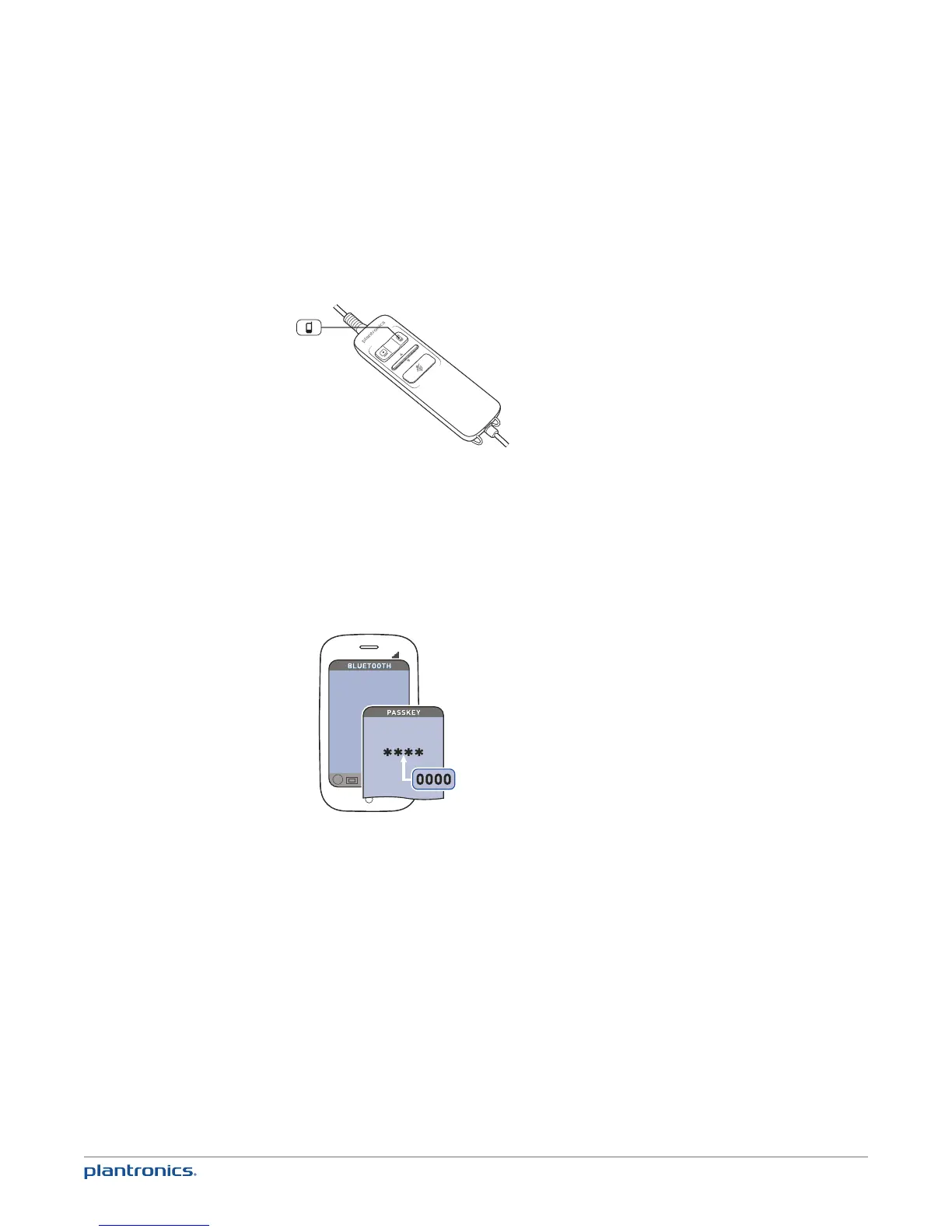
1 Turn on Bluetooth by pressing and holding the mobile call button until it flashes red and blue (five
seconds).
2 Activate the Bluetooth feature on your phone, then use the phone’s settings to add/search/
discover new Bluetooth devices.
BlackBerry® Settings/options > Bluetooth: On > Search for devices.
iPhone Settings > Bluetooth > On (starts the search for devices)
Android™ Phone Settings > Wireless > Bluetooth: On > Scan for devices.
Other Consult phone manual
3 Select Plantronics_C7xx from list of found devices.
Blackwire C700
NOTE For detailed pairing instructions for popular mobile phones visit plantronics.com/easytopair
4 If prompted by mobile phone, type 0000 as passcode.
The mobile talk button will stop flashing when the headset has an active connection with the
mobile phone.
5 While wearing your headset, make a test call from your mobile phone.
NOTE During an active call, the mobile talk button will flash blue.
Pair and make a mobile call







 To Next Page