PlexTools® Installation and Operation Manual 9
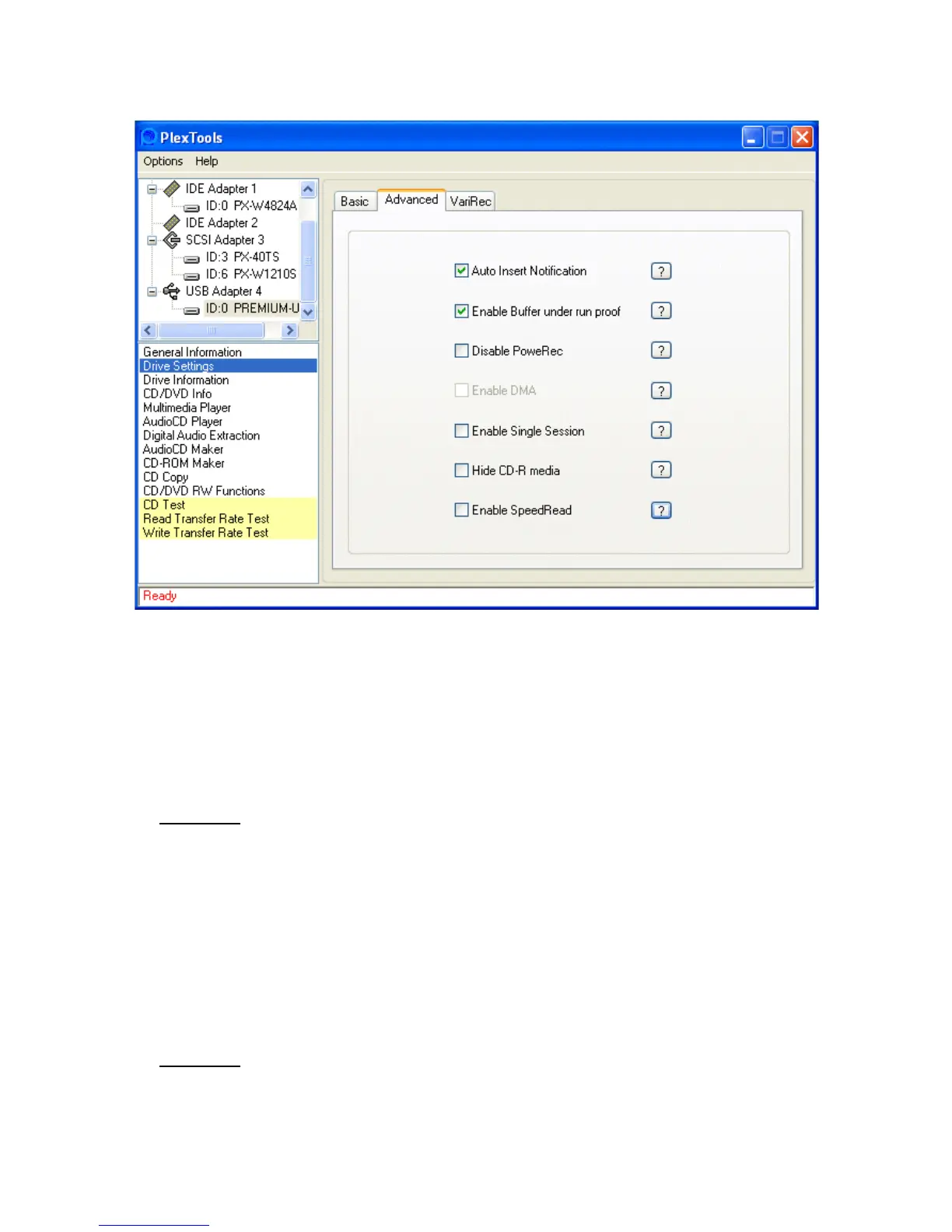
• Advanced:
• Auto Insert Notification: enables/disables Auto insert notification for the current
drive.
• Enable Buffer under run proof: enables/disables the use of Buffer under run
proof. (see section 8 –Tips & Tricks for more information)
• Disable PoweRec: With PoweRec enabled (default) the Plextor drive will write
discs at the optimised speed determined by PoweRec. With PoweRec disabled
the Plextor drive will write discs at the speed setting selected by the user.
W
ARNING: IF THE DISC IS WRITTEN FASTER THAN IS RECOMMENDED BY POWEREC,
YOU MAY EXPERIENCE WRITE ERRORS, OR THE RESULTING CD MAY HAVE PLAYBACK
DIFFICULTIES IN SOME CD DRIVES.
• Enable DMA: enables/disables the drive’s DMA setting in the registry.
• Enable Single Session: when enabled, only the first session on a CD will be
shown. (this option must be enabled before inserting a CD).
• Hide CD-R media: this function prevents/permits an application from recognising
a CD-R as such.
• Enable SpeedRead: This option allows you to 'boost' the read speed for certain
drives and disc's.
WARNING: SINCE ENABLING THIS OPTION CAN LEAD TO EXCESSIVE VIBRATION, NOISE
AND READ ERRORS, AND EVEN DAMAGE TO THE DRIVE AND DISC, PLEASE GIVE PREF-
ERENCE TO THE DEFAULT SETTING.



 To Next Page