PlexTools® Installation and Operation Manual 30
4.9 AudioCD Maker.
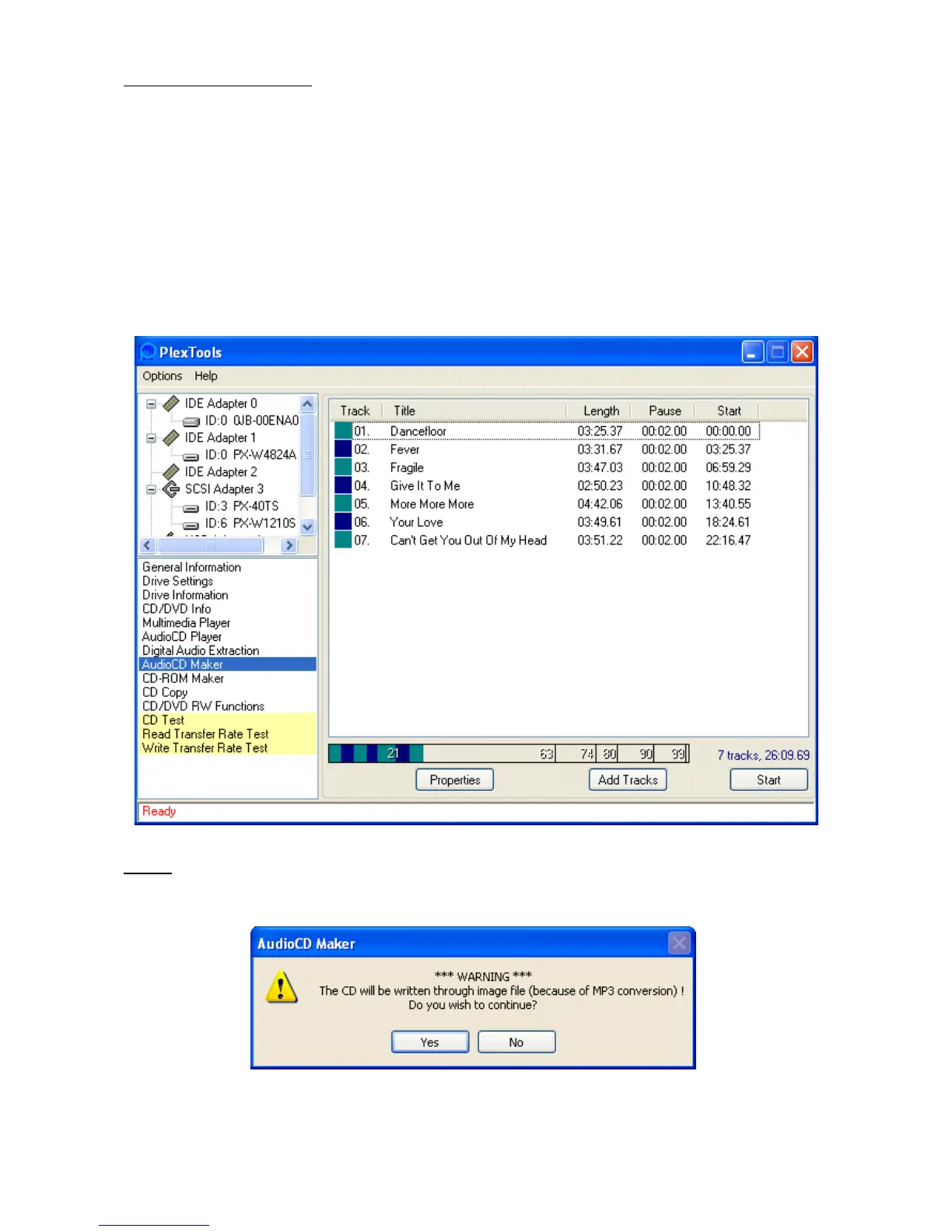
AudioCD Maker allows the creation of custom AudioCD’s by simply importing *.wav /
*.mp3 / *.ogg / *.ape files. The Digital Audio Extraction function can be used for creat-
ing these files.
Note: the only supported *.wav format at this moment is 44.1KHz, 16 bit stereo.
After clicking the ‘Add Tracks’ button, you can select one or more *.wav / *.mp3 / *.ogg
/ *.ape files. These files will be added after the selected track. You can also drag-and-
drop files to the AudioCD Maker window. The order of the tracks can be changed by
dragging them to the desired location. You can remove selected tracks from the lay-
out by pressing the delete button.
Note:
when using *.mp3 / *.ogg / *.ape files, an image file will be created before writ-
ing starts.



 To Next Page