PlexTools® Installation and Operation Manual 3
3 How to …
This section shows you how to execute the most frequently used functions.
3.1 ... launch the software.
PlexTools® can be started by selecting it in the 'Start/Programs/Plextor' menu, or by
double clicking the System Tray icon (to change startup settings, see 4.14 Customis-
ing general settings.)
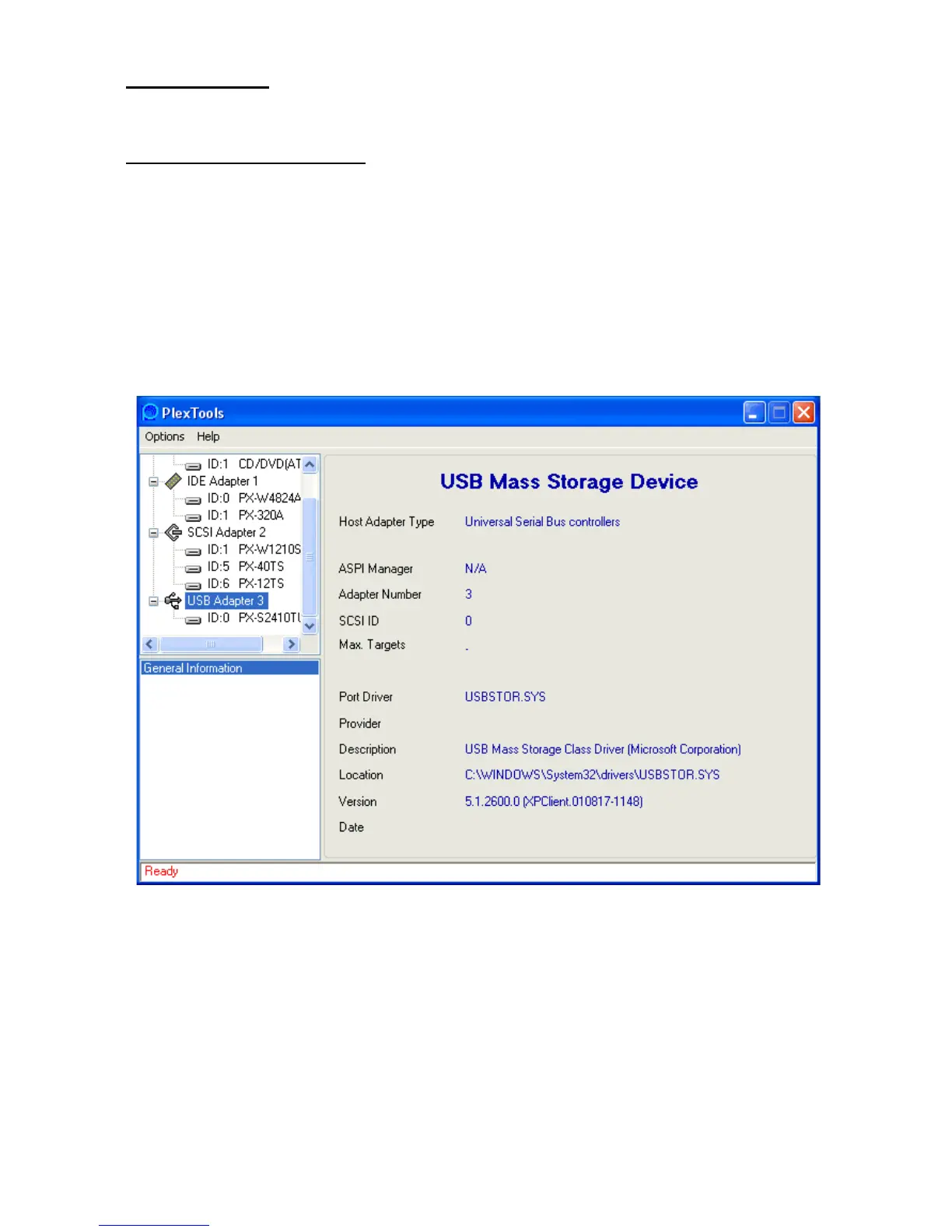
The application will start and will scan all your SCSI and ATAPI devices to retrieve
information about connected devices from them.
After a short time, the retrieved information will be displayed.
The program will show three windows: the upper left window will show the SCSI and
ATAPI hardware, the lower left window will show the available functions, and the right
hand window will show function-dependant information.



 To Next Page