PlexTools® Installation and Operation Manual 25
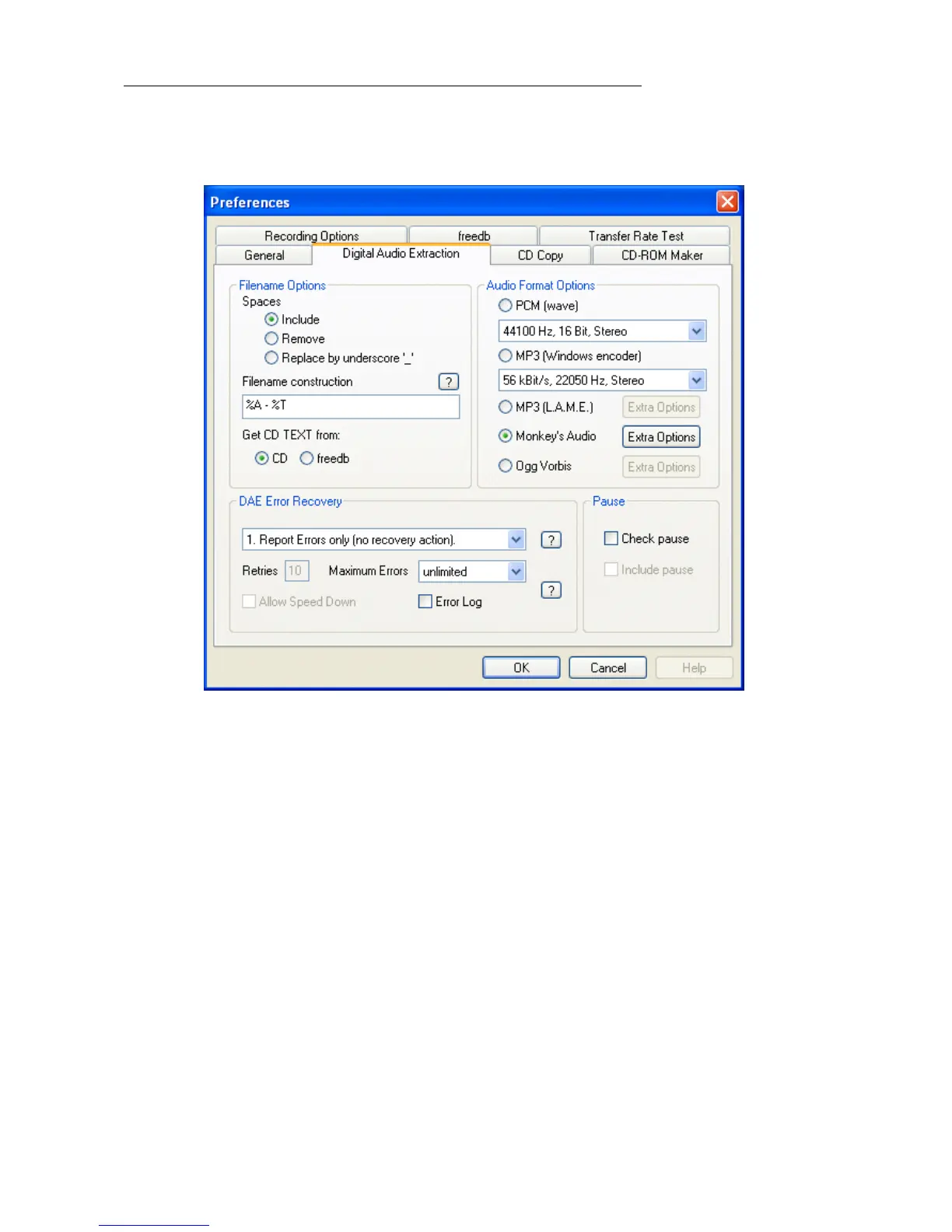
4.8 Changing advanced settings for Digital Audio Extraction.
To change the settings for audio extraction, select 'Options' in the toolbar, select 'Pref-
erences' and go to the 'Digital Audio Extraction' tab.
• WAV Filename Options: indicates the options for the automatically assigned file-
names. The first three options can change the way spaces in the filenames are han-
dled. The options are: include, replace by underscore or remove. Under “Filename
construction” you can specify whether Track number, Track title, Track artist, Disc
title and ISRC Code should be used for filename construction. Also the order in
which they have to appear can be edited here.



 To Next Page