PlexTools® Installation and Operation Manual 57
6 Extra Features.
6.1 Options.
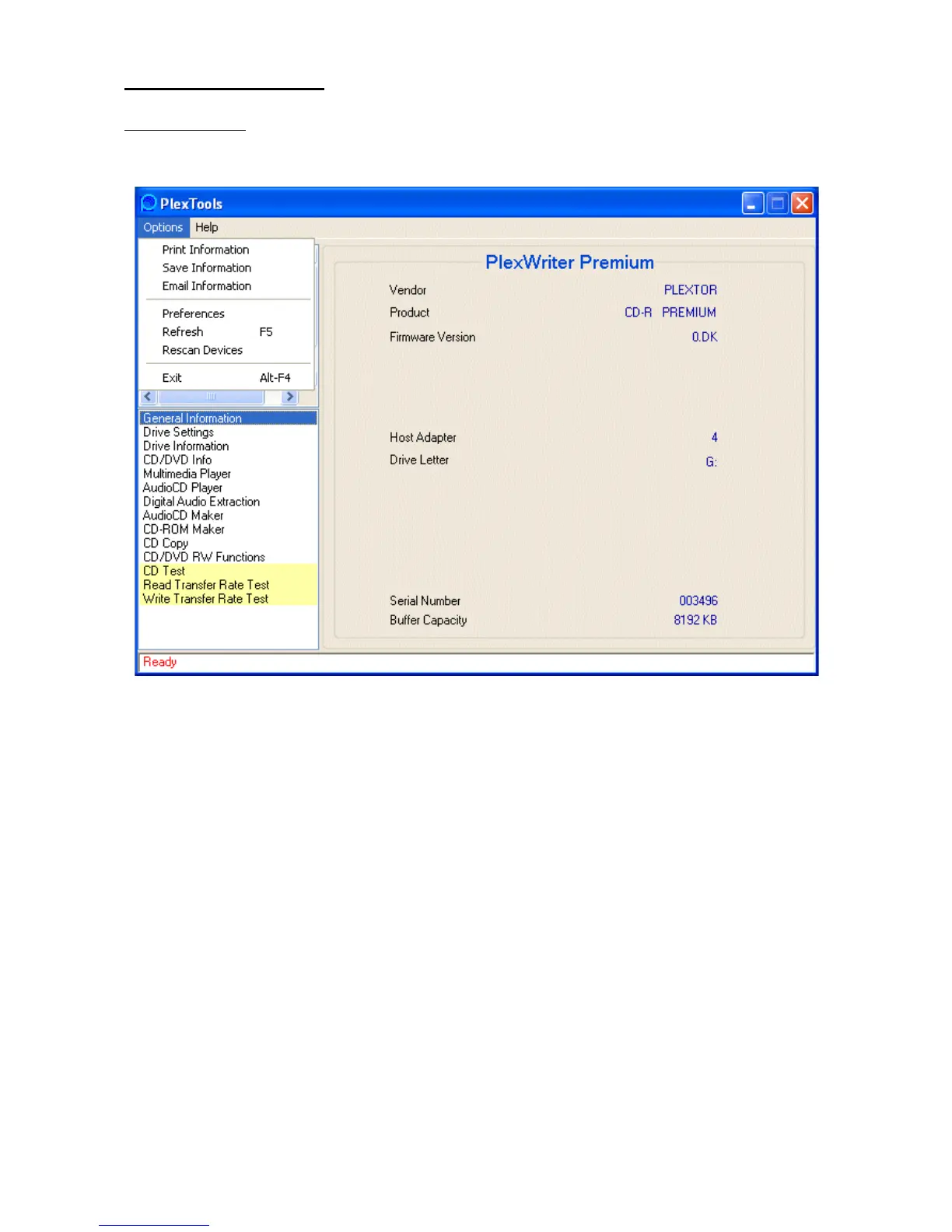
The extra features can be found under the 'options' command in the toolbar.
• Print / Save information: PlexTools® allows you to easily print and save system
information. Our Technical Support people can use this information to help you
solve certain problems. To print or save this info choose Print / Save Information.
• Email information: With this option you can send your system information to Plex-
tor Technical Support.
• Preferences: Gives you access to the 'General' settings, 'Digital Audio Extraction'
settings and the 'CD Copy' settings pages (see 4.6, 4.9 & 4.11 for more info about
these topics).
• Refresh (F5): Is used to refresh the displayed information about the selected drive.
• Rescan Devices: Rescans for devices and updates all information.
• Exit (Alt-F4): Exits PlexTools®.



 To Next Page