PlexTools® Installation and Operation Manual 5
4 PlexTools® functions.
4.1 General information.
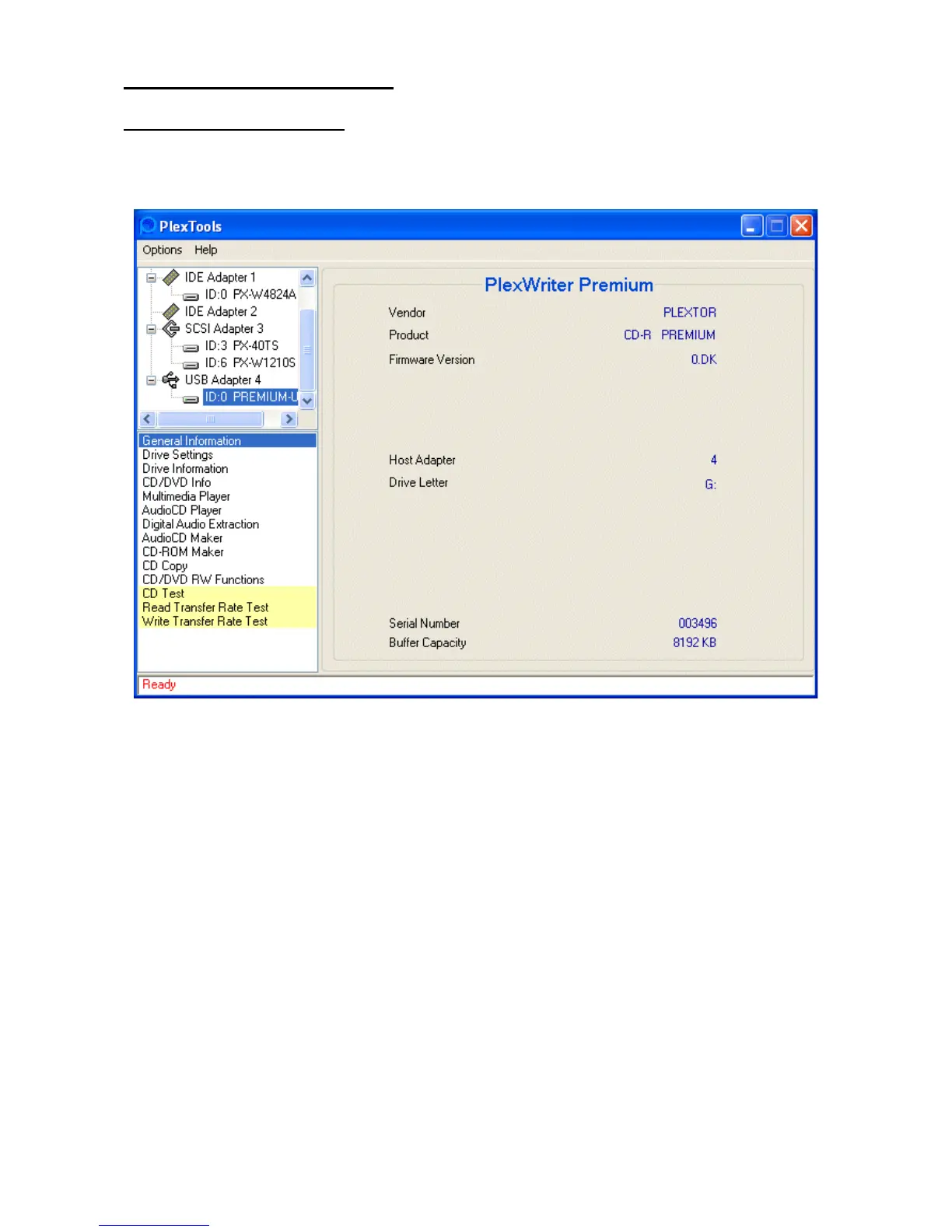
To find more information about a Plextor drive, select the drive and choose the Gen-
eral Information option.
Some of the information found in the General Information window:
For SCSI drives only:
• Jumper Settings: gives a visual indication of the settings on the selected drive
• SCSI ID, Termination & Parity: shows the SCSI ID, the status of termination and
the parity for the selected drive.
• Serial Number: shows the drive’s serial number.
• Buffer Capacity: indicates the drive’s buffer memory capacity.



 To Next Page