PlexTools® Installation and Operation Manual 20
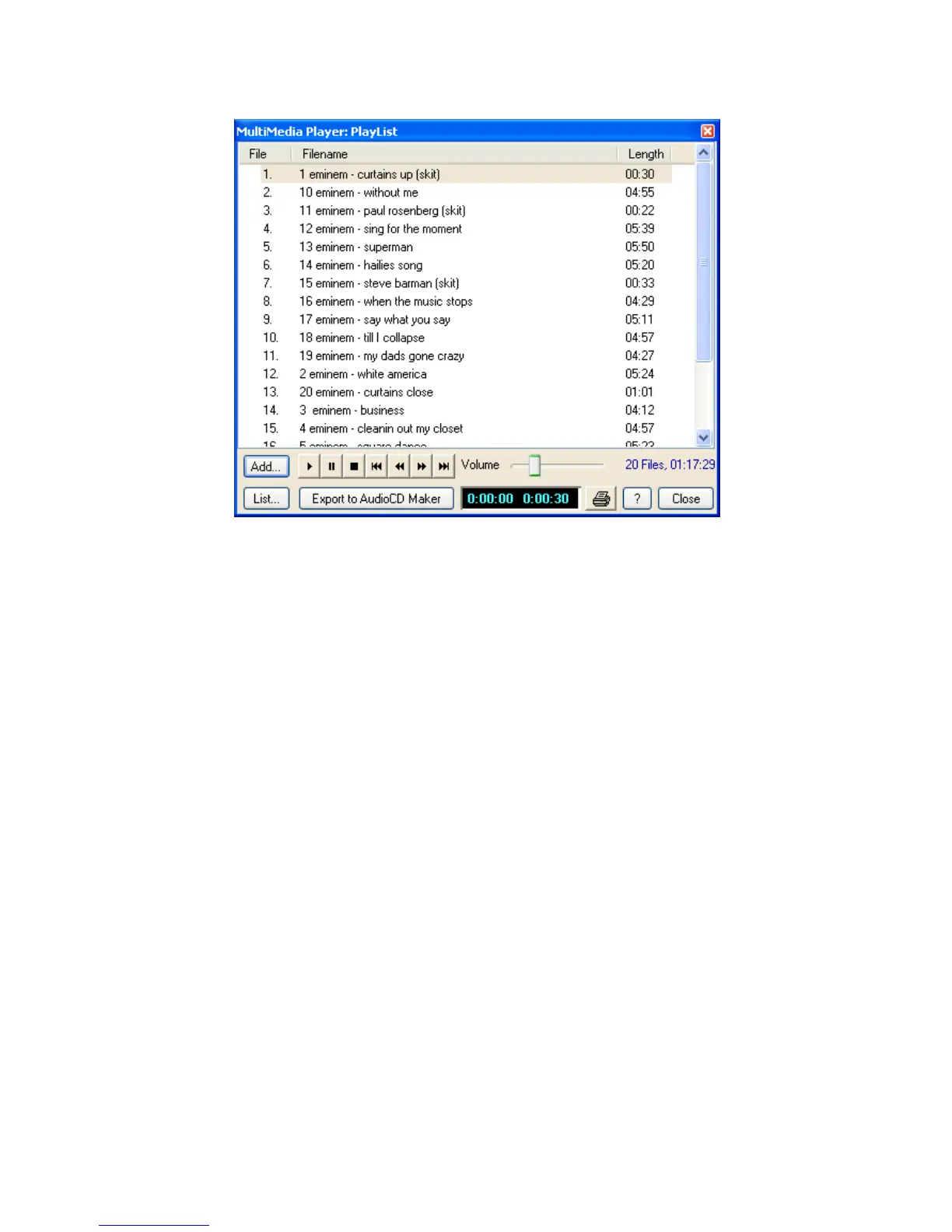
• Create/Edit Playlist: brings up the following window:
• Add Files: add the selected files to the playlist.
• Add Directory: add all valid files from the selected directory to the playlist.
• Add List: add a playlist (*.m3u or *.pls) to the current playlist.
• Load list: loads a playlist (only *.m3u and *.pls).
• Save list: saves the current playlist to *.m3u or *.pls.
• Clear list: removes all the files from the playlist.
• Export to AudioCD Maker: exports all the files from the playlist to AudioCD
Maker. (only valid 16bit/44kHz wav files will be exported)
• Print: makes a printout of the current playlist.
• Close: closes the playlist window.



 To Next Page