PlexTools® Installation and Operation Manual 42
You can choose to do a simulation first and then write if simulation was successful.
When the simulation is activated, the burning process will be simulated. Nothing will
be written on the CD-R.
If a disc is to be copied directly from CD to CD, this can be done either 'on the fly' or
through the use of a temporary file. 'On the fly' copying requires sufficient system
resources and performance. If it results in errors, it may be safer to disable it. In this
case, the source disc will be read into a temporary file on the harddisk. This file will be
used as source for recording the final disc and erased afterwards.
The Audio Error Detection allows the same powerful function as used for Digital
Audio Extraction.
If you want to make multiple copies, you can set the number of copies in the 'Copies'
field.
Clicking on the CD TEXT button opens the CD TEXT editor.
Before the recording process starts, the Windows screensaver is switched of auto-
matically so that it cannot cause any problems during this operation
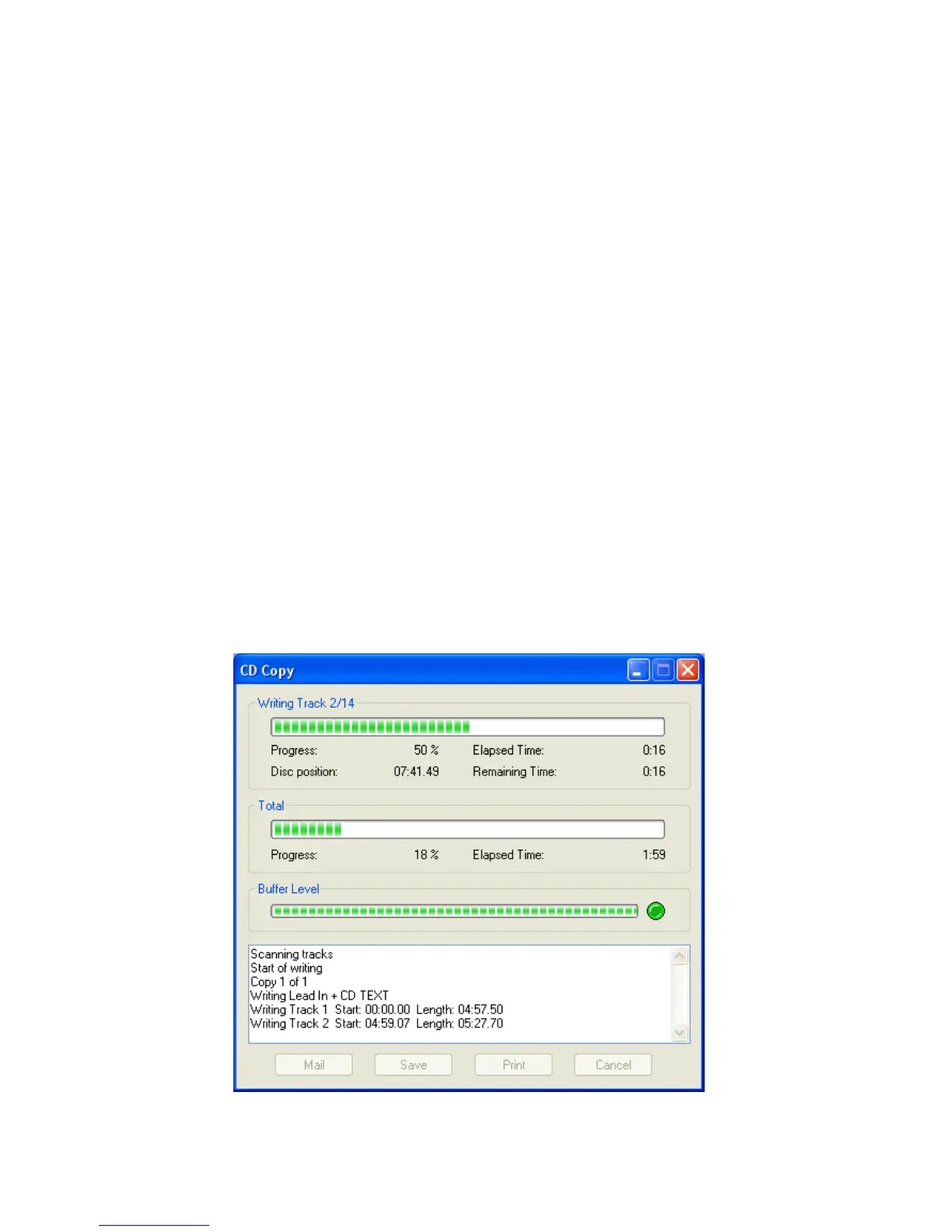
During the copy process, you will see a progress indicator. If any errors occur, they
will be displayed in the activity log window.
The Print/Save buttons can be used for printing or saving this information, together
with some info about your Operating System and controllers. The resulting log page
can be completed and send to Plextor Technical Support for assistance in solving
problems. Please do not forget to fill in your personal data.



 To Next Page