Section 2. Installing Your PX-708A Internal Drive
12
PX-708A Installation and Users Manual
Open the Computer and Prepare for
Installation
To determine whether your PX-708A will be a Master or a Slave, open
your computer and examine the IDE connections to the motherboard.
To open the computer:
1. Before proceeding, make sure the power to your computer and any
external peripherals is OFF and your computer is UNPLUGGED
from its power source.
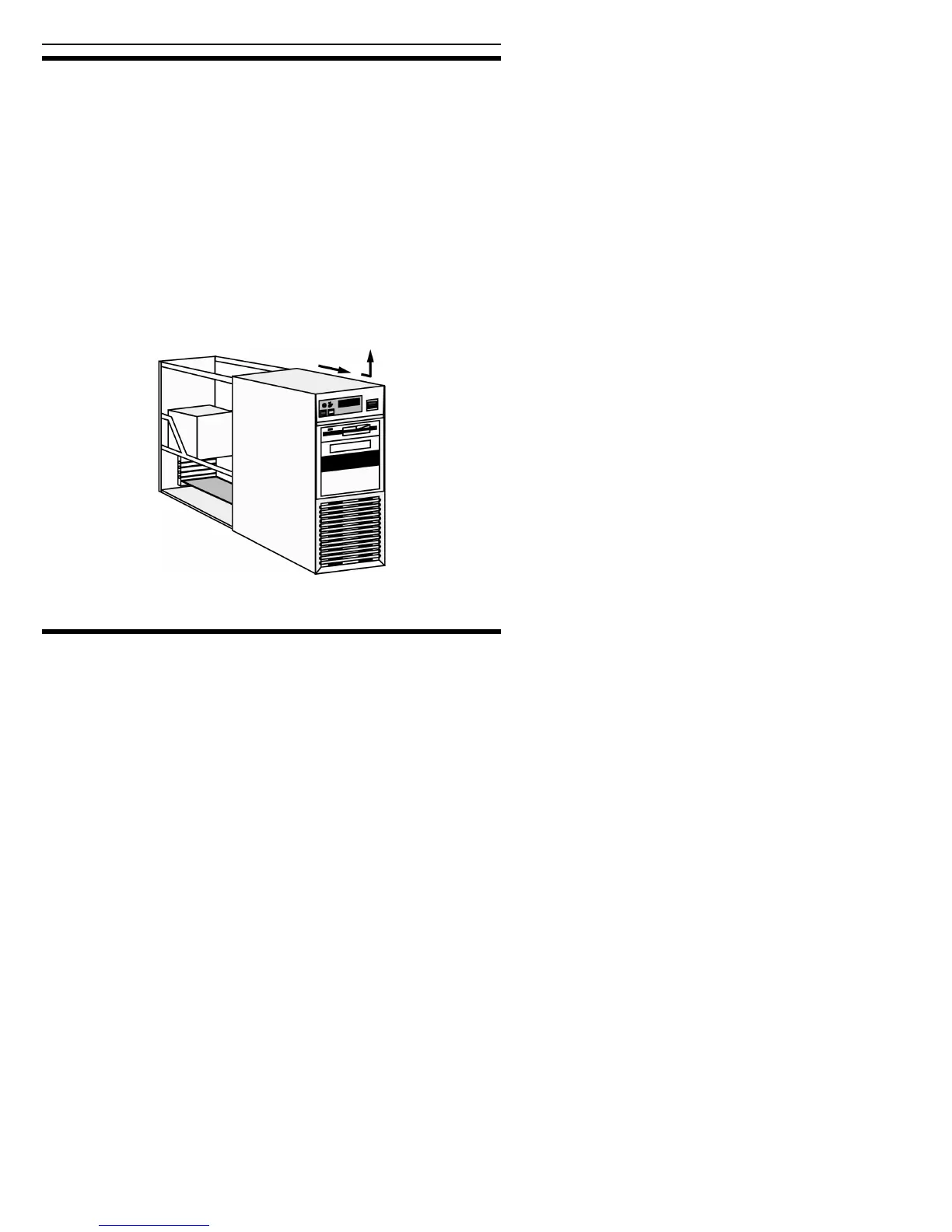
2. Remove your computer’s cover, following the directions provided by
your computer’s manufacturer. Typically, this involves loosening or
removing several screws on the back panel of your computer and
sliding off the cover. See Figure 3 for an example.
Figure 3: Removing a typical computer's cover
Determine Your Existing IDE Configuration
With your computer open, determine the existing IDE configuration.
You can do this by looking at the 40-pin IDE ribbon cable (or cables—
there may be two) and seeing what is connected to them.



 To Next Page