Section 3. Using Your PX-708A
PX-708A Installation and Users Manual
39
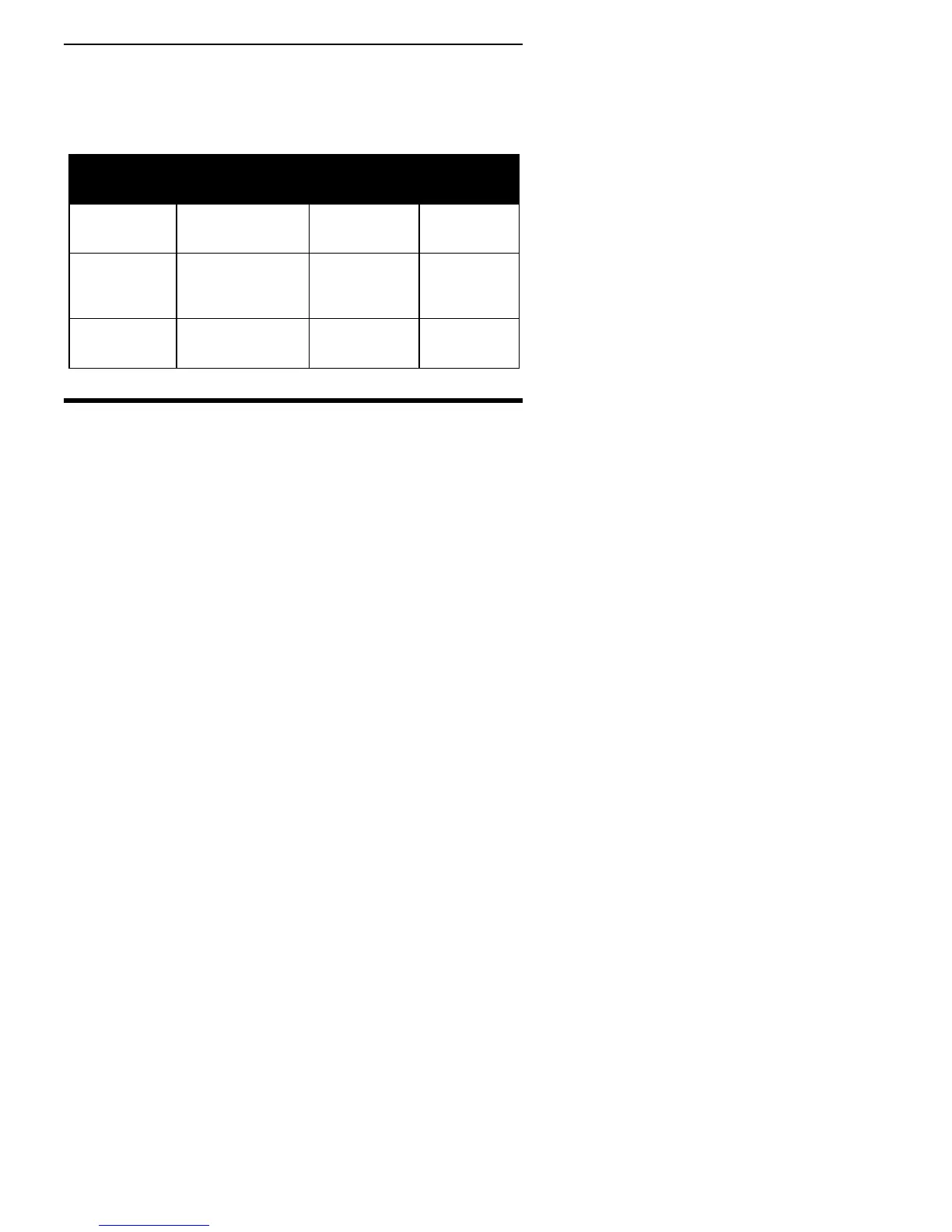
LED Blink Rate
When you are writing to a CD-R or CD-RW disc, the color and blink
rate of the front-panel LED indicator indicate the speed of writing, as
follows:
LED blink
interval in
milliseconds
CD-R write
speed
CD-RW write
speed
DVD write
speed
Amber,
40-ms interval
40X, 32X CD-R
(CLV area)
24X CD-RW
(CLV area)
8X (Z-CLV)
Amber,
80-ms interval
40X, 32X CD-R
(CAV area):
16X CD-R (CLV)
24X CD-RW
(CAV area);
10X CD-RW
(CLV)
4X (CLV)
Amber,
150-ms
interval
8X, 4X CD-R
(CLV)
4X CD-RW
(CLV)
2.4X, 2X
(CLV)
Switching Between SpeedRead and Silent
Operation
When you are playing a DVD-Video disc that has CSS (copy protection
via the Content Scrambling System), the PX-708A normally plays at a
slow speed (silent operation) to reduce drive noise. You can speed up
DVD playback by using the eject button to enable SpeedRead.
To manually enable SpeedRead and speed up DVD playback:
1. Ensure the PX-708A disc tray is closed and empty.
2. Press and hold the PX-708A’s eject button for at least 3 seconds. The
LED indicator blinks green three times to indicate SpeedRead will
be active for DVD-Video discs with CSS copy protection.
3. Release the eject button. The disc tray opens.
4. Insert a DVD-Video disc that is equipped with CSS copy protection.
5. Begin playing the disc.



 To Next Page