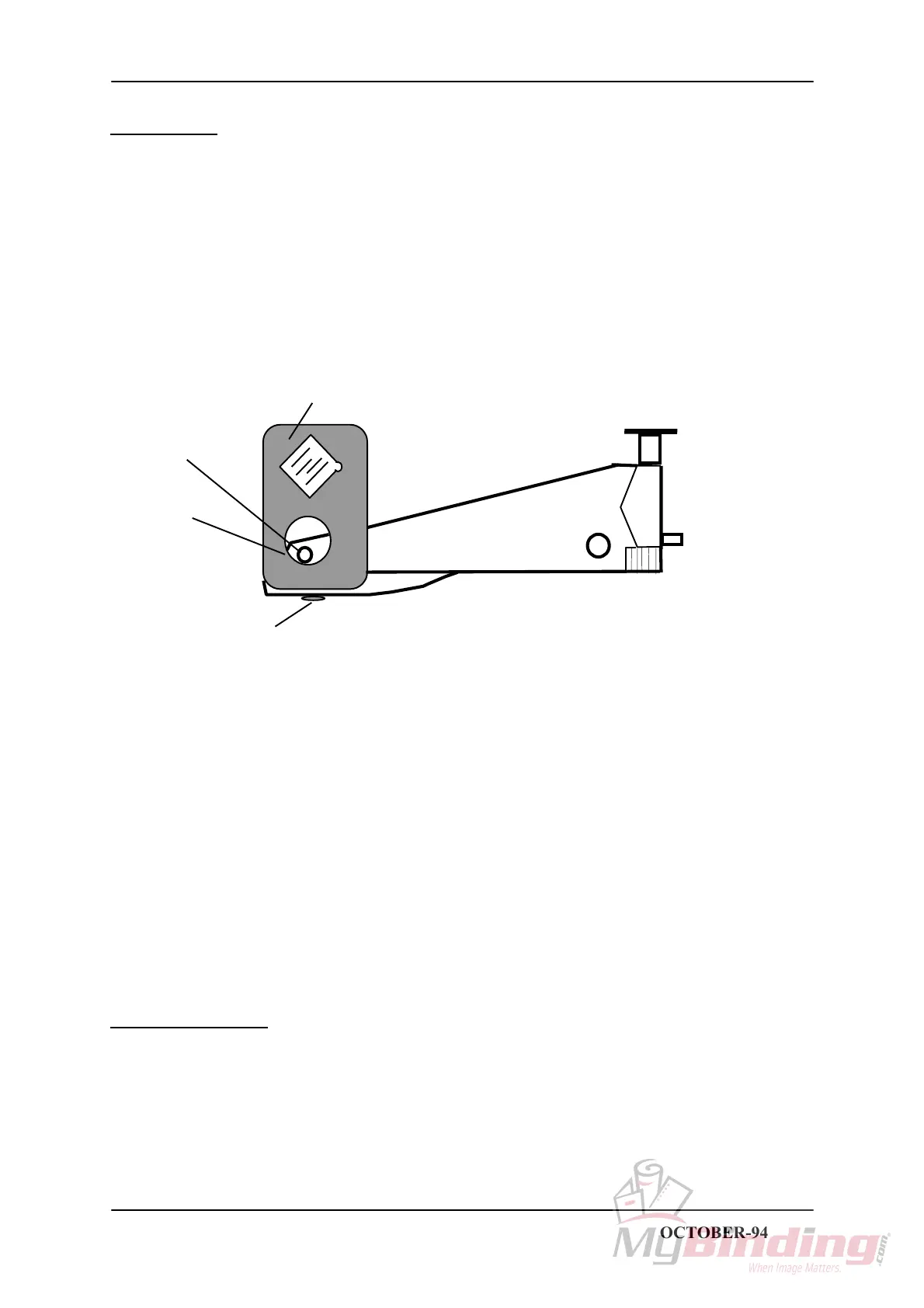
REP 2.18 Removal of Stapler head
T08009 TJ
REMOVAL
1. Switch off the main power switch and disconnect the power cord.
2. Remove the Stapler head by removing the pin 1 trough the hole 2.
NOTE. Older machines does not have the hole 2 in the stapler bracket. On these machines the
screws 3 has to be removed in order to remove the stapler head. Before removing make a mark to
reposition the stapler head when replacing.
Stapler bracket
1
2
3
INSTALLATION
Installation is an exact reversed procedure of removal.
STAPLER FOLDER MODEL 60/61 PAGE 2.18 OCTOBER-94



 To Next Page