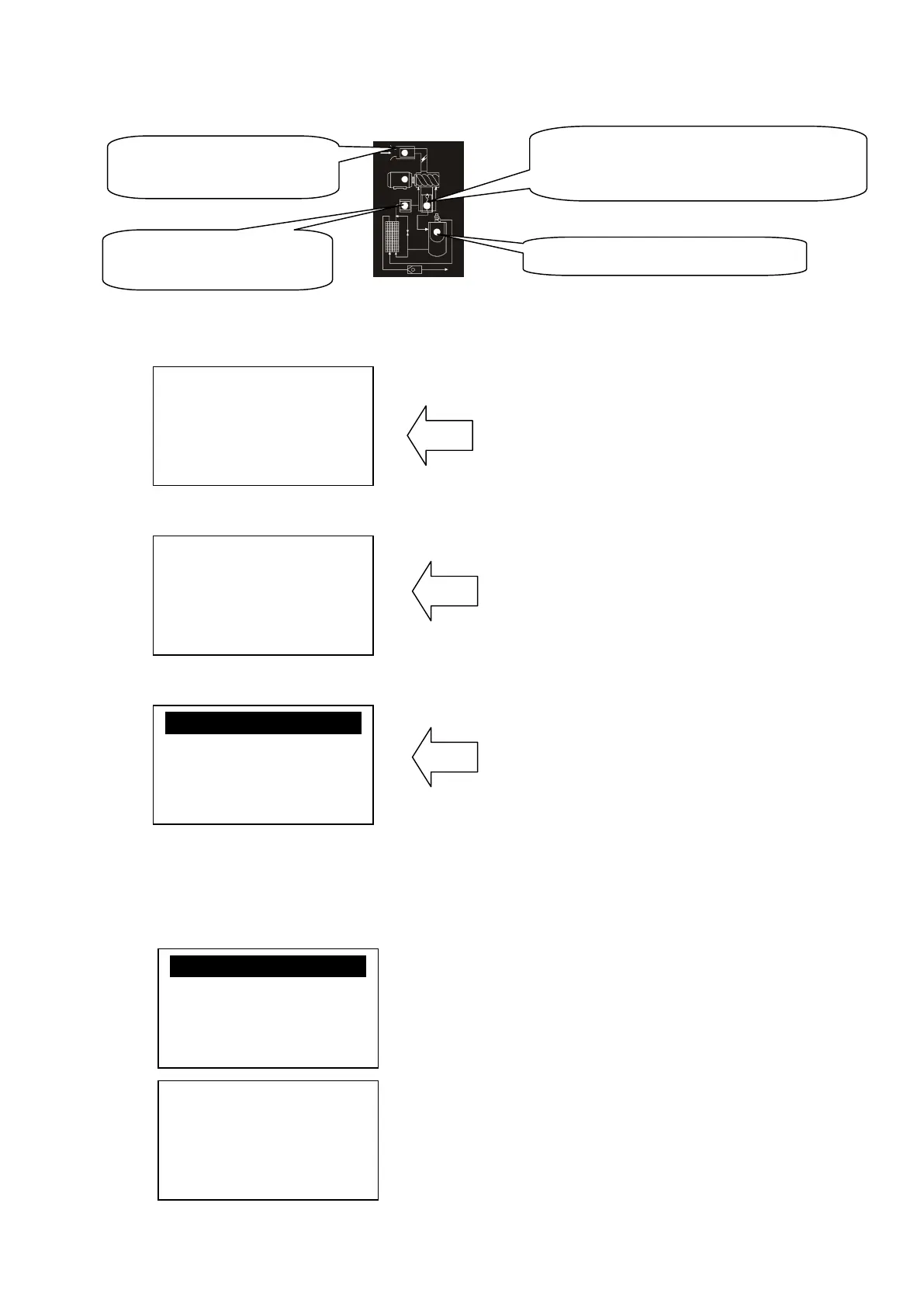
3、Display of status and operations
The display screen will be as follow when the units are powered on:
After power on, screen show this page
After 5 seconds, the main page will show up as:
Main page
Press “Move down button” to enter into Menu Selection Interface:
Level 1 menu screen
4、Operating parameters
Press “Move down button” or “Move up button” to move the black cursor to “RUN
PARAMETER”, press enter button to pop up submenu:
WELCOME USING
SCREW COMPRESSOR
AIR T:20℃
AIR P:0.60MPA
NORMAL STOP
C001 REMOTE
RUN PARA.
USER PARA.
FACTORY PARA.
CALBR PARA.
TOTAL RUN TIME
THIS RUN TIME
MAINTAIN PARA.
HISTORY FAULT
SERIAL NUMBER
THIS FAULT
COM STATUS
Air filter indicator, when the air
filter warning light.
High temperature, the indicator light; Temperature
sensor fault the indicator light;
Oil filter indicator, when the air
Oil separator warning, the indicator light。


 To Next Page