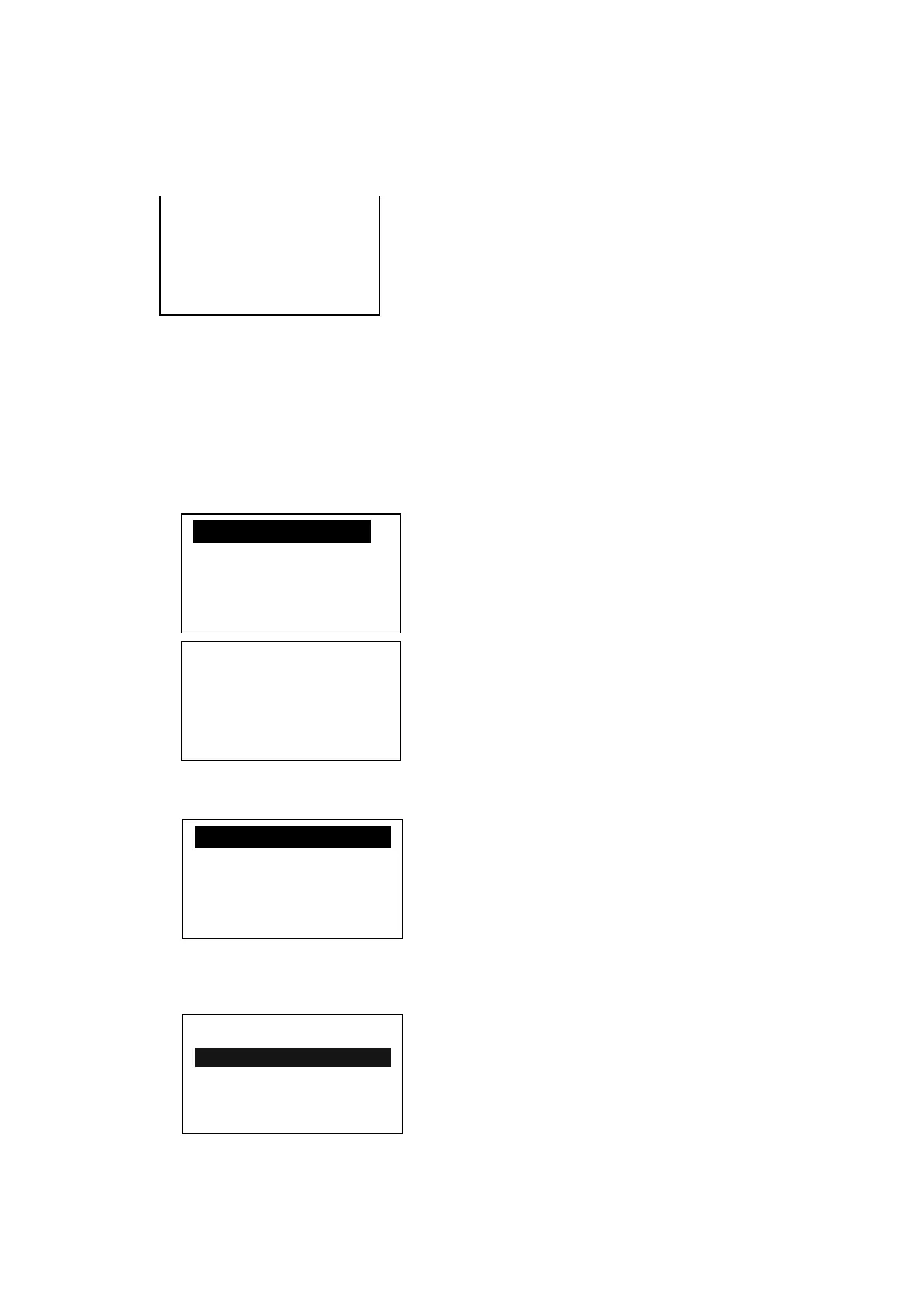
Move the scroll bar to the corresponding menu item, press the enter key, see
the specific parameters
,
Such as view, "MOTER FAN CUR " move the scroll bar to
the " MOTER FAN CUR " menu item, press the enter key, switch to the motor and
fan current interface
If the menu popped up is at the last level, the black cursor will disappear. Press the
return button to return to the upper menu or the main page.。If the operation stops at a
certain page, it will automatically return to the main page after 60 Seconds
5、User Parameter (Customer Parameter):
In primary menu,
, press the move button to move the black slider to the "USER
PARA." menu, press the shift button to switch to the following menu:
Move the cursor to the "P、T SET " menu, then press enter button to switch to
the following interface:
Move the cursor to the “LOAD P” menu, Press enter button ,Switch to the following
interface requirements to enter a user password
After showing this interface,The first bit data or password started flashing,
press “increase button” or “descending button” to modify the flashing data equal
MAIN(A) FAN (A)
A 50.1 2.1
B 50.1 2.1
C 50.1 2.1
P、T SET
TIME SET
OPERATION MODE
SEQ PARA. SET
LOAD P:
UNLOAD P:00.78MPa
FAN START:0080℃
FAN STOP:0075℃
INPUT CODE
**
CLR LIFE TIME
MAX LIFE TIME
LAN. SEL:EN
NEW USER PIN:****


 To Next Page