Docking Station with Video User’s Manual
13
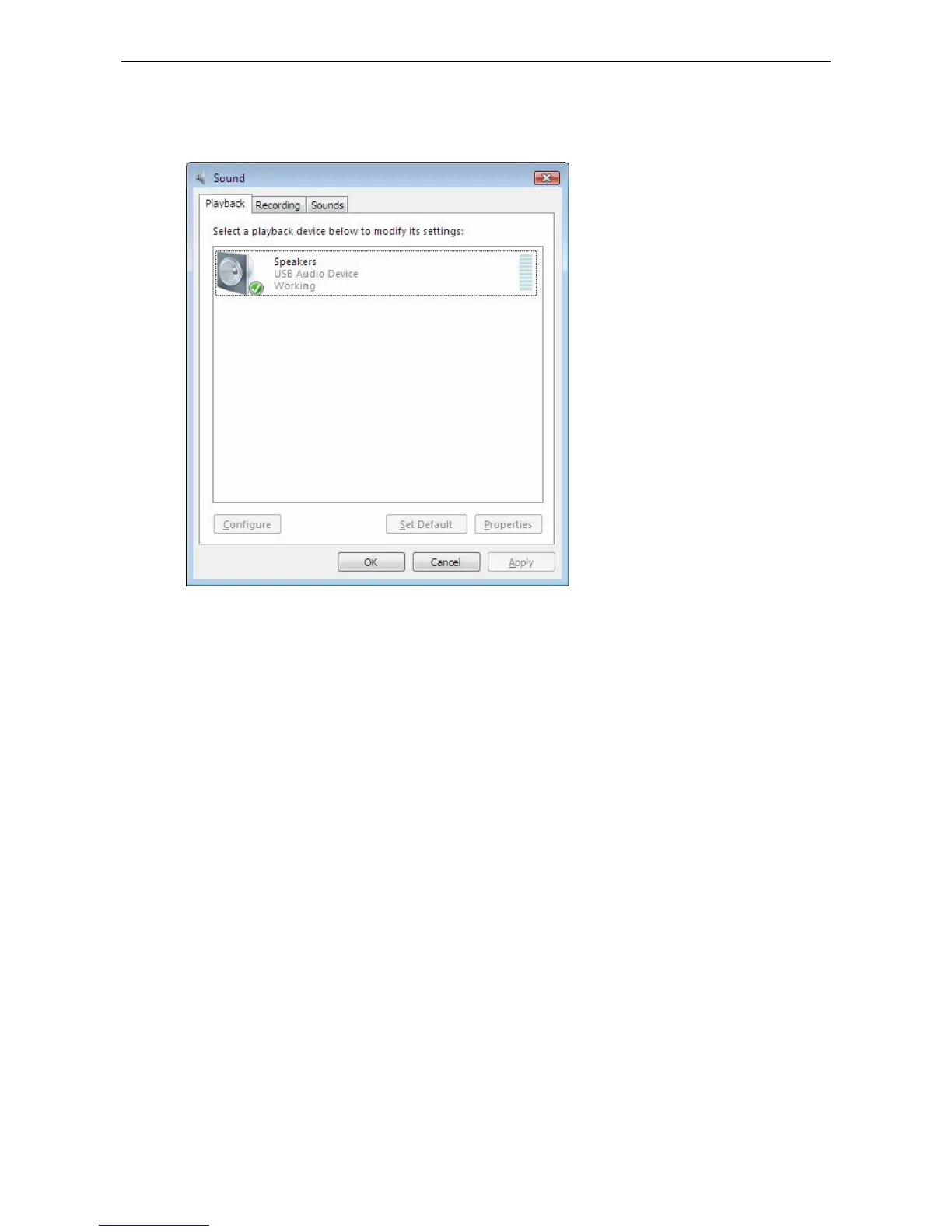
section. If you want to use your original sound card for music playback, make sure
to select it instead of USB (Multimedia) Audio Device.
Configuring Instant Messaging Software Audio Device
To chat via instant messaging software using the headphone and microphone
connected to the docking station, make sure the instant messaging software, such
as MSN messenger, Yahoo messenger or Skype, are configure to use USB
(Multimedia) Audio Device as the audio in and out devices.
Ethernet Port
The Ethernet port supports Ethernet 10/100 Mbps function. To connect your
computer to a network through the docking station, attach one end of a network
cable (not provided) to the Ethernet port on the docking station and the other end
to your network hub, switch or router for network access.


 To Next Page