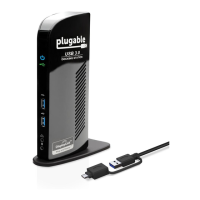
Need help?
Do you have a question about the Plugable Universal Docking Station and is the answer not in the manual?
Equipment tested and found to comply with FCC Rules, subject to specific conditions for interference.
Equipment is in compliance with European CE regulations, specifically EN 55 022: CLASS B.
Provides step-by-step instructions for assembling and disassembling the docking station.
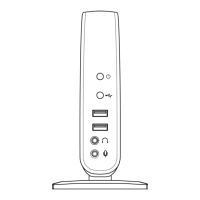
Describes the ports and indicators located on the front of the docking station.
Details the ports and connectors found on the rear of the docking station.
Guide for installing drivers on Windows 7, leveraging Windows Update for automatic detection.
Guide for installing drivers on Windows XP and Vista using provided CD or online downloads.
Step-by-step instructions for physically connecting the docking station to the host computer.
 General
| Brand | Plugable |
|---|---|
| Category | Docking Station |
| USB Ports | 6 x USB 3.0 |
| Ethernet Port | Gigabit Ethernet |
| Compatibility | USB-C and USB-A enabled Windows, Mac and Chrome systems |
| Audio | 3.5mm audio in/out jack |

 To Next Page