4.8 Diode/Continuity
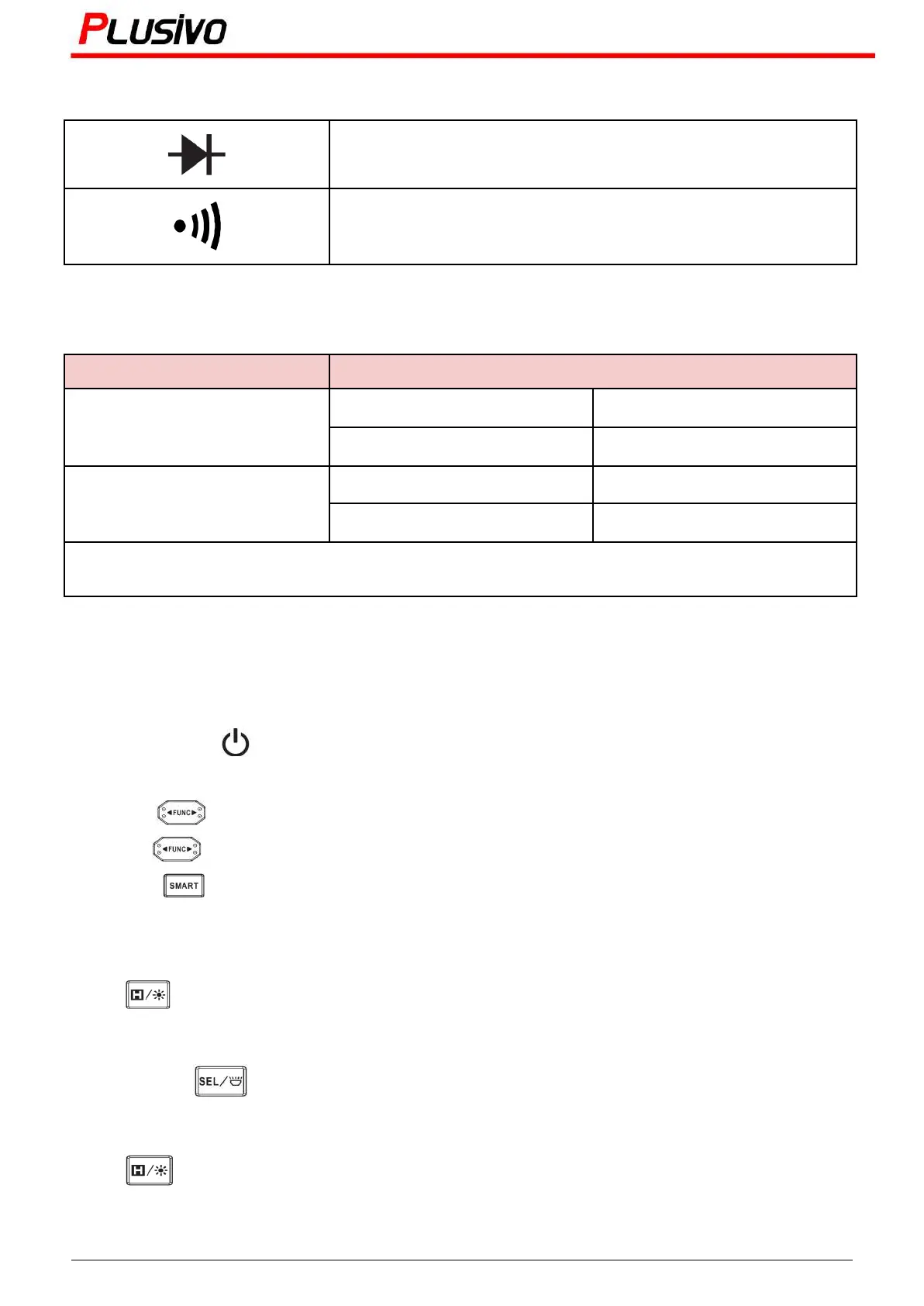
Diode voltage drop indicator
Approx. 50Ω buzzer will sound and the LED will light up
4.9 Temperature
Resolution: 1°C/1°F
Note: use K-type thermocouple probe
5. Instrument Operation
5.1. Power On/Off
Press and hold the " " key for about 2 seconds to turn on or off.5
5.2 Gear Selection
Press the " " key to select manual mode;
Press the " " key again to select the gear to left or right;
Press the " " key to return to AUTO measurement mode. By default, the power is in smart
measurement mode.
5.3 Data Hold
Press " " key to turn on or off the data holding.
5.4 Flashlight
Press and hold " " key for about 2 seconds to turn on or off the flashlight.
5.5 Backlight
Press " " to turn on or off the backlight.
Note: the VA display does not have this feature.
10
Mastering the Art of Measurement (DM401B Smart Digital Multimeter) r.01 www.plusivo.com



 To Next Page