7.9 Live wire detecting
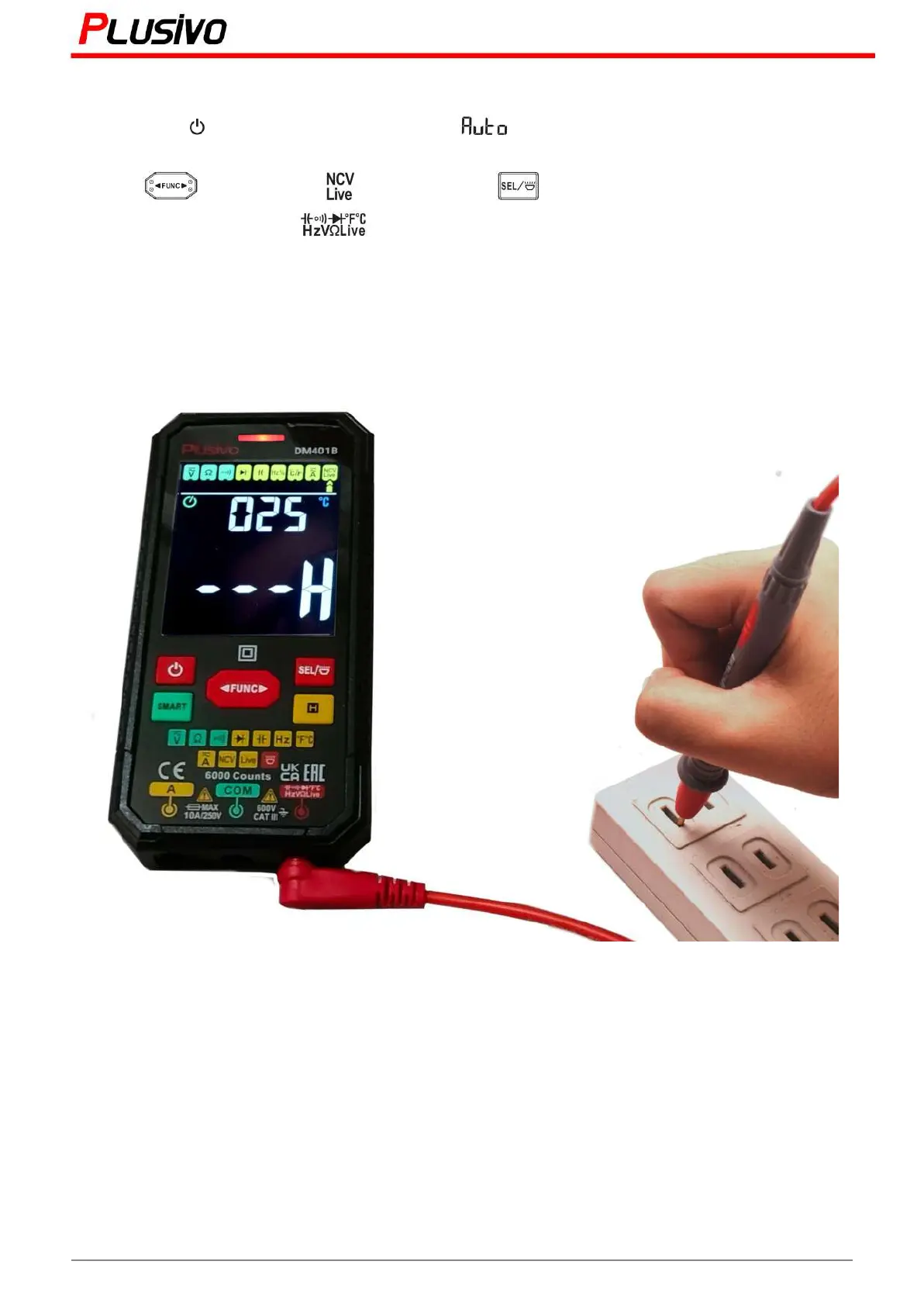
1) Press the button to turn on the power, will be displayed and will enter the smart
measurement mode.
2) Press " " key to select " " gear. Press the " " key to display the "LIVE" symbol.
3) Insert the red probe into the jack and remove the black probe.
4) Use the red probe to contact the conductor.
5) When the weak electric field signal is detected, it will display "---L"; the sound of the buzzer will slow
down and the green light will turn on.
6) When the strong electric field signal is detected, it will display "---H"; the buzzer will sound fast and the
red light will turn on.
20
Mastering the Art of Measurement (DM401B Smart Digital Multimeter) r.01 www.plusivo.com



 To Next Page