41
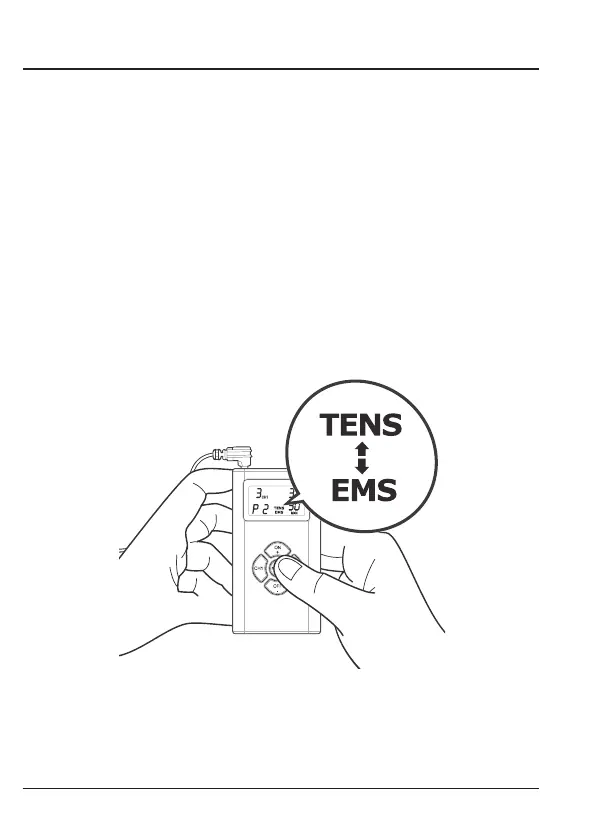
1. Press MODE after treatment time is set. The preset (default) treatment mode TENS & EMS will
ash
on the display. Use ON + (to increase) or the button OFF – (to decrease), if you would like to
change the treatment mode.
2. Press Mode again, the numeric number of program is then ashing. Press the button ON + (to
increase) or the button OFF – (to decrease) for choice of program of the selected modality.
3. Press MODE again to save your selection. The treatment time you selected will appear on the
display the next time you turn the device on.
NOTE: If you change programs during the course of a treatment session, the treatment time will
not reset unless you manually reset it by performing the steps described above.


 To Next Page