PMDG 737NGX 0.00.29
TUTORIAL #2
For Simulator Use Only DO NOT DUPLICATE 27FEB15 RTM
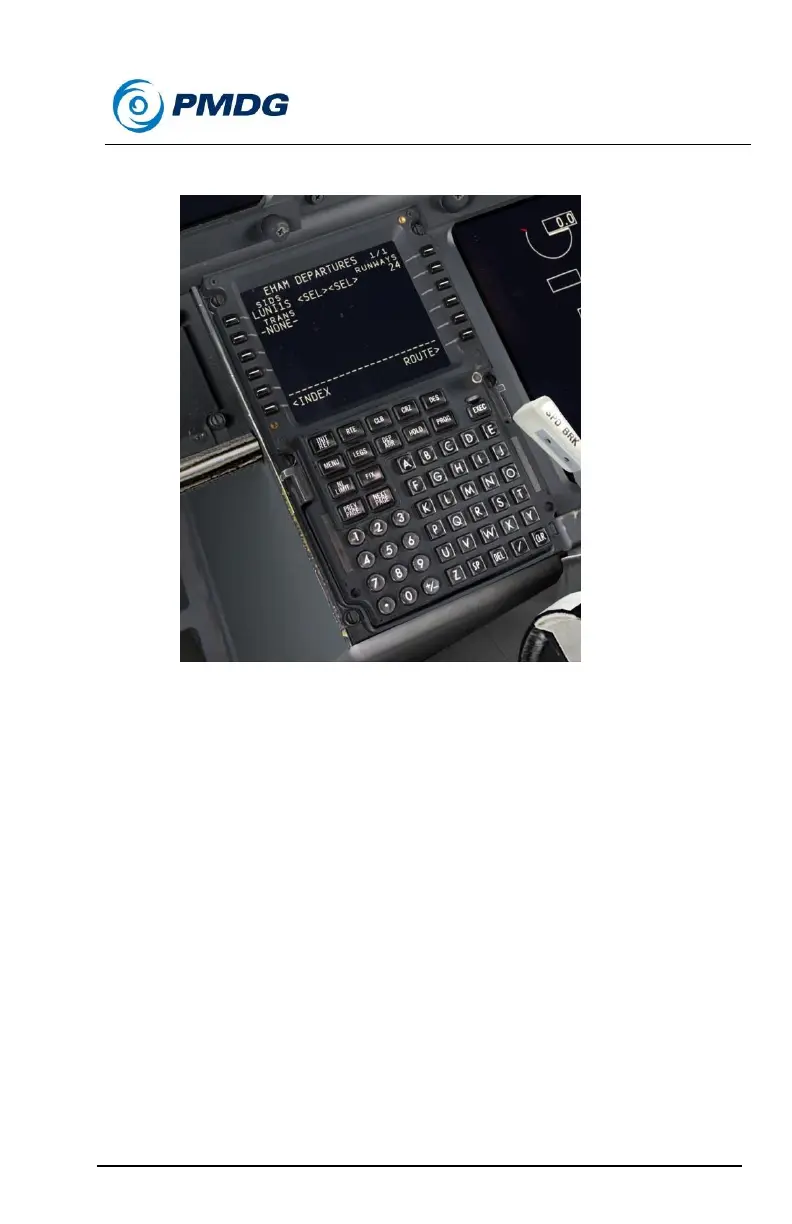
The page should look like this:
Next we’ll enter the enroute portion of the route.
Press LSK 6R to go to back to the RTE page 1.
Press NEXT PAGE to get to RTE page 2, where we enter
airways.
Enter the first airway, UZ738 into the VIA column at LSK 2L.
We’re going to use a cool shortcut now to enter the rest of the
airways.
When you have a series of connected airways like this, you can
actually just enter the airway names alone sequentially into the
VIA column. The FMC is smart enough to know what the
common waypoint is between each pair and it’s automatically
entered. This saves a ton of time on routes with a lot of airways
like this one.
Enter UZ741 into the VIA column at LSK 3L below UZ738.
MISGO automatically appears in the row 2 TO column.



 To Next Page