0.00.28 PMDG 737NGX
TUTORIAL #2
27FEB15 RTM DO NOT DUPLICATE For Simulator Use Only
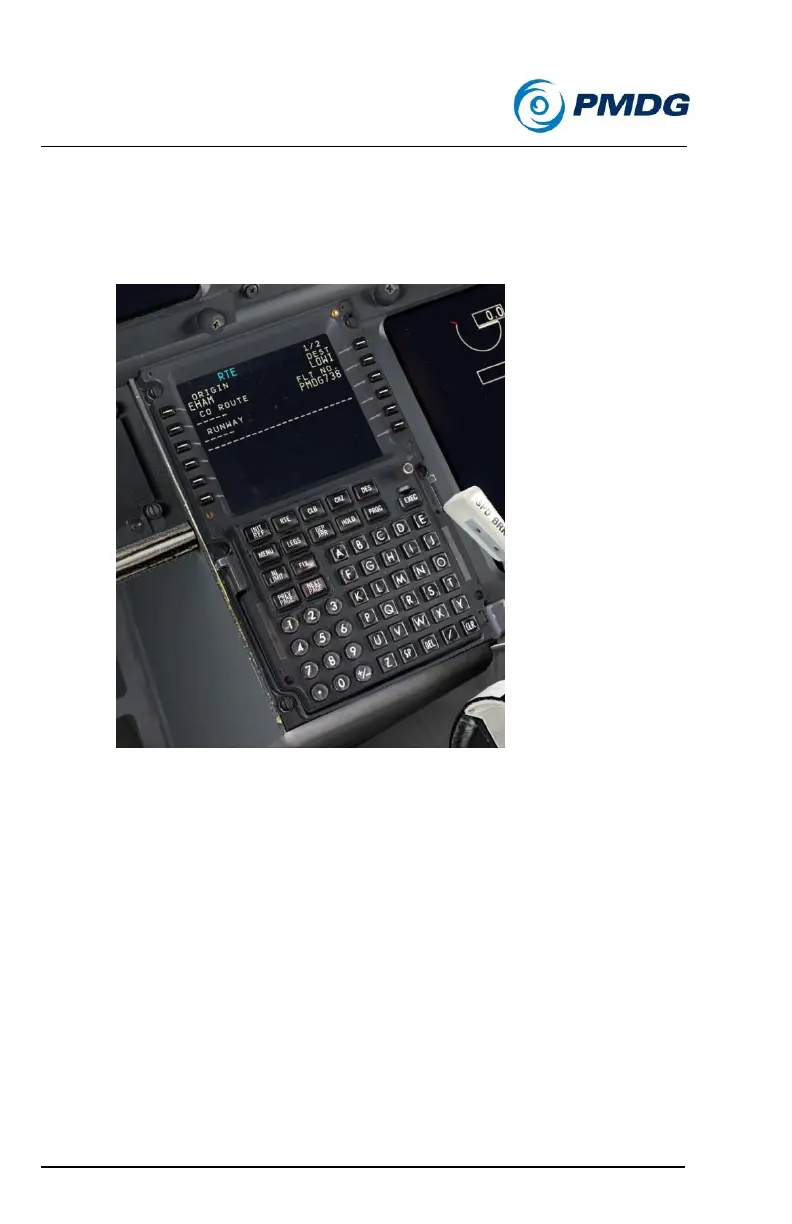
Type LOWI and insert it into the DEST field at LSK 1R.
Type PMDG738 and insert it into the FLT NO. field at LSK 2R.
The completed RTE page 1 should look like this:
We’ll now enter the runway and SID since we already know what they’ll
be. The procedure in the manual has the enroute portion entry happen
first, which is also perfectly normal. In real life you often don’t know
exactly which runway and SID you’re going to get until you talk to the
Clearance/Delivery and Ground controllers, so doing it that way allows
you to have most of the route entered and then select the runway and
SID when they’re actually assigned to you.
Press the DEP ARR button to go to the DEP/ARR INDEX page,
then press LSK 1L for the EHAM DEPARTURES page.
Press NEXT PAGE then PRESS LSK 3R to select Runway 24.
Press NEXT PAGE and then LSK 1L to select the LUNI1S SID.



 To Next Page