PMDG 737NGX 0.00.49
TUTORIAL #2
For Simulator Use Only DO NOT DUPLICATE 27FEB15 RTM
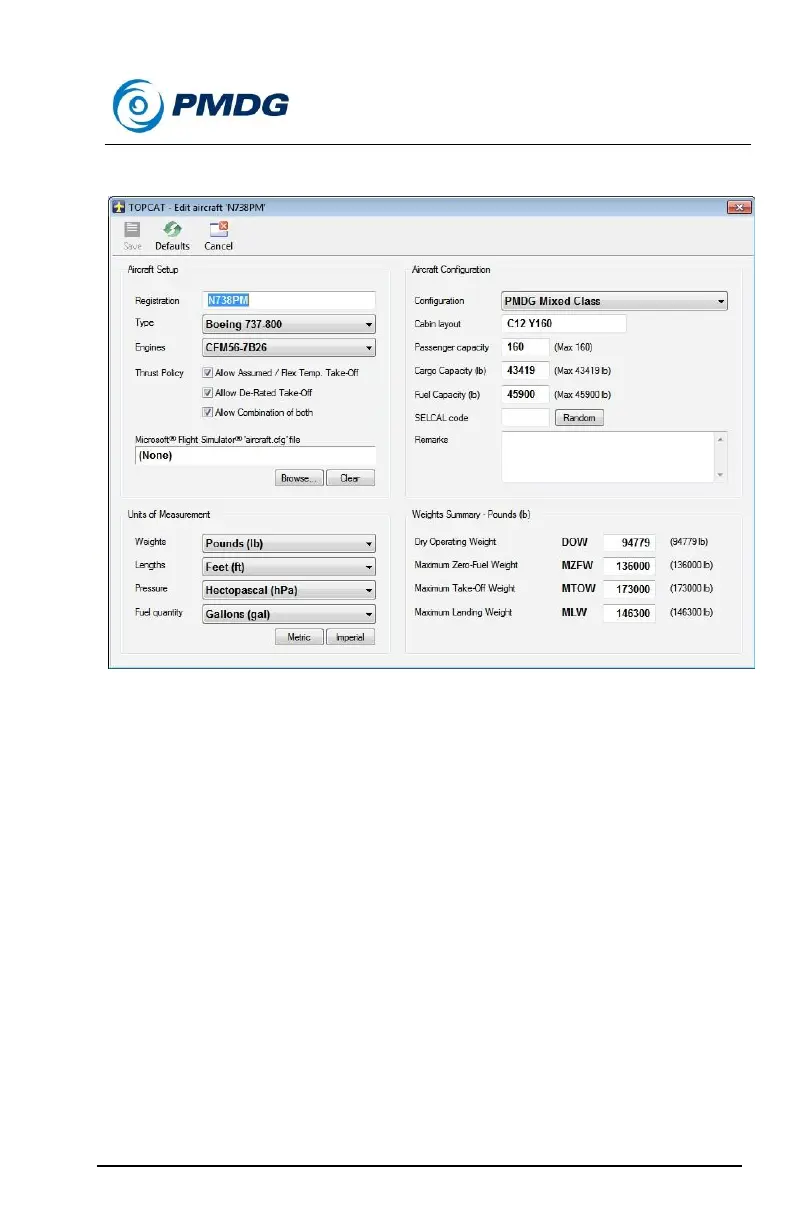
The window should now look like this:
Press save and we’ll have our aircraft in the window now. Select
it by clicking on it.
Press the Take-Off button with the red icon at the top of the
screen.
Type EHAM into the Airport field and select Runway 24 from the
Runway dropdown list.
Enter 000/00 in the Wind field.
Enter +16 into the Temperature field
Enter 1013 into the Pressure field.
You would enter the actual values for the wind, temperature and
pressure if you were using weather.
Enter your expected takeoff GW from the PERF INIT page into
the Take-Off Weight field. This is our predicted takeoff weight



 To Next Page