PMDG 737NGX 0.00.71
TUTORIAL #2
For Simulator Use Only DO NOT DUPLICATE 27FEB15 RTM
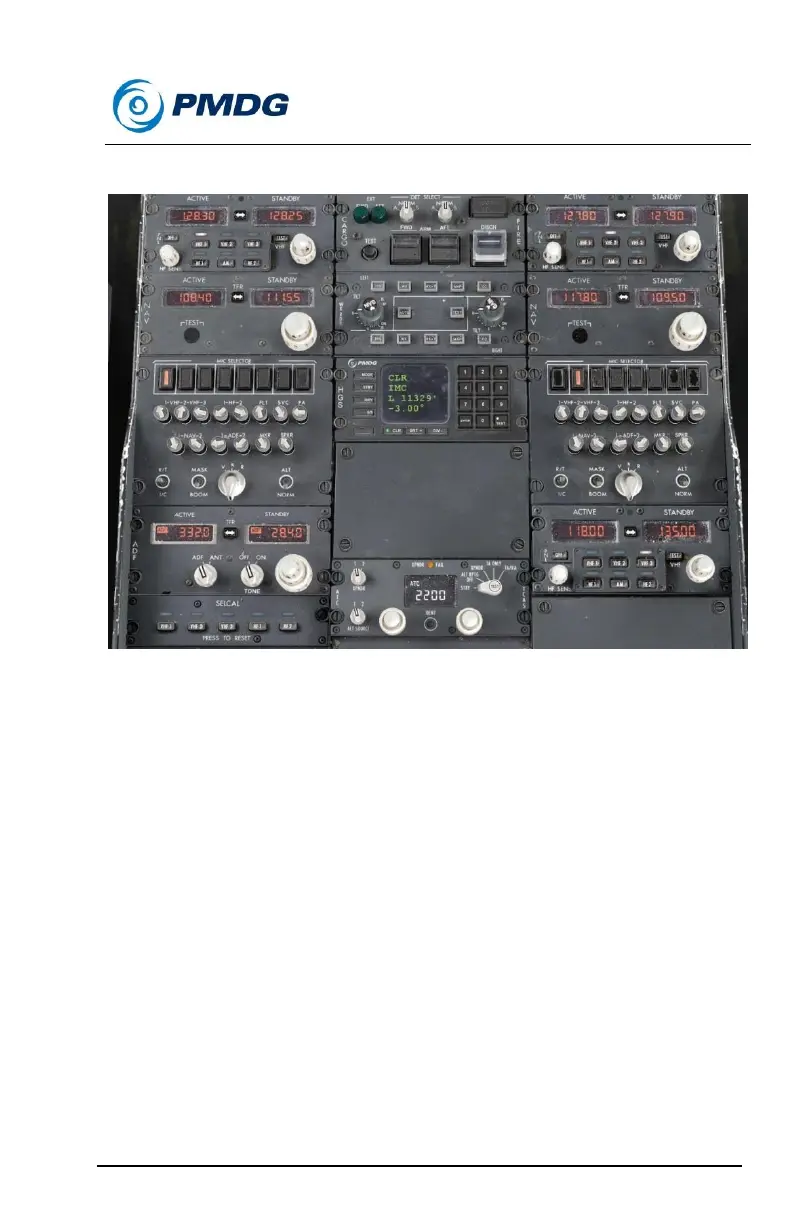
The radios should now look like this:
Verify that the STABILIZER TRIM override switch at the rear right
of the pedestal has its guard closed.
The remaining items involving adjusting the seat, rudder pedals and
seatbelt/harness are not applicable to the simulator environment and we’ll
skip them.
This concludes the first officer’s preflight flow. We’ll now move on to the
captain’s flow, which starts on the main panel.
Move the LIGHTS switch above the right side of the captain’s ND
to the TEST position.
o Look around the cockpit and verify all lights working as
expected.
Move the LIGHTS switch back to the center BRT position.
Now move up to the captain’s EFIS control panel on the glareshield.
Set the MINS selector to the BARO position. (right)



 To Next Page