PMDG 737NGX 0.00.73
TUTORIAL #2
For Simulator Use Only DO NOT DUPLICATE 27FEB15 RTM
o Verify that the Captain’s FD is selected as master via the
green MA light above the switch.
Verify the bank angle selector is in the 25 degree position (one
click to the left of fully right).
Note that this only applies in HDG SEL mode.
Verify that the autopilot DISENGAGE bar is UP.
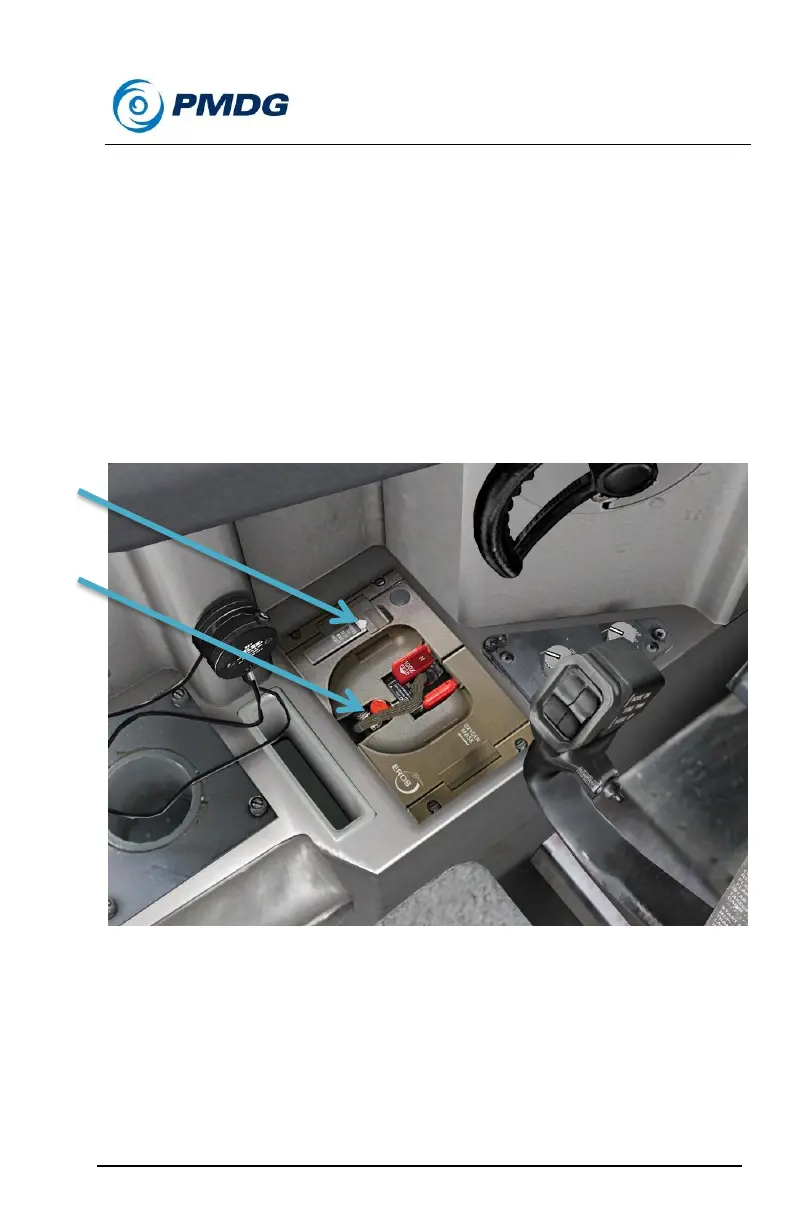
Pan the view down and to the left from the captain’s seat until you can
see the crew oxygen system.
Press the test flap on the left side of the oxygen system.
Verify that you hear air flowing and see a yellow X shape appear
in the rubber flow indicator above the flap.
Push the red circular EMERGENCY/TEST selector in the center
of the oxygen system, near the hose, then push and hold on the
test flap again.



 To Next Page