ETD1000 Instruction Manual - 2017-07-01.docx Page 21 of 28 July 1, 2017
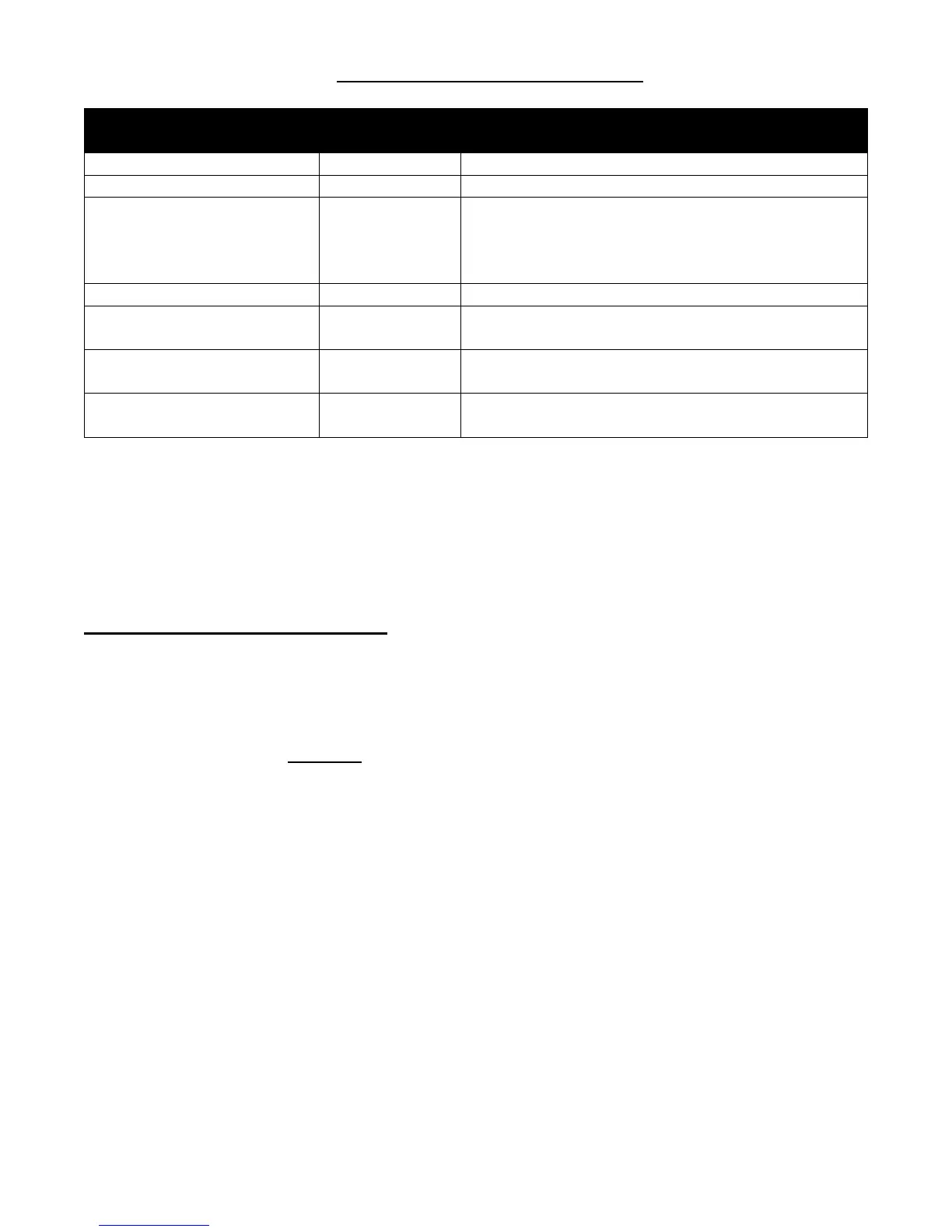
Table 3.1.2-1 S4 Assignments
S4
Function Position
s
Mode
udible Shutoff Dela
1 *Closed = NONE Open = ONE MINUTE
Front Panel Ack. 2 *Closed = LOCAL Open = LOCAL and TMS
Audible Alarm Mode 3,4
3 Closed, 4 Closed = DISABLED
3 Open, 4 Closed = DISPLAYED TANK ONLY
3 Closed, 4 Open = ALL TANKS
*3 Open, 4 Open = ALL TANKS
Decimal Pt. Control 5 *Open = U.S. Closed = METRIC
Motion Symbol “_”
Displa
6 *Open = DISABLE Closed = ENABLE
Audible Alarm for
Loss of Communications
7 *Closed = DISABLE Open = ENABLE
Front Panel
Confi
uration Edit
8 *Closed = DISABLE Open = ENABLE
*Factor
Default
3.2 Front Panel Programming
Front panel programming allows the user to specify which tanks, alarms and display modes, i.e.
gallons, inches, etc., are to be made available to the operator. For example, a user could limit the
operator to display a single tank in a multi-tank system, limit alarms to selected setpoints, and further
limit the operator to a single mode of display, for example, gallons only. The ETD1000 is shipped
from the factory with all available tanks, alarms and display modes enabled. Note that tanks that
are not enabled on the TMS are automatically disabled on the ETD1000 and therefore do not require
any programming to disable them. For security purposes, an on-board dipswitch is provided to
enable or disable front panel programming. See Section 3.1 for details. Programmed settings are
stored in non-volatile memory that requires no batteries, and therefore will remain intact indefinitely
with or without AC power.


 To Next Page