EasyManua.ls Logo

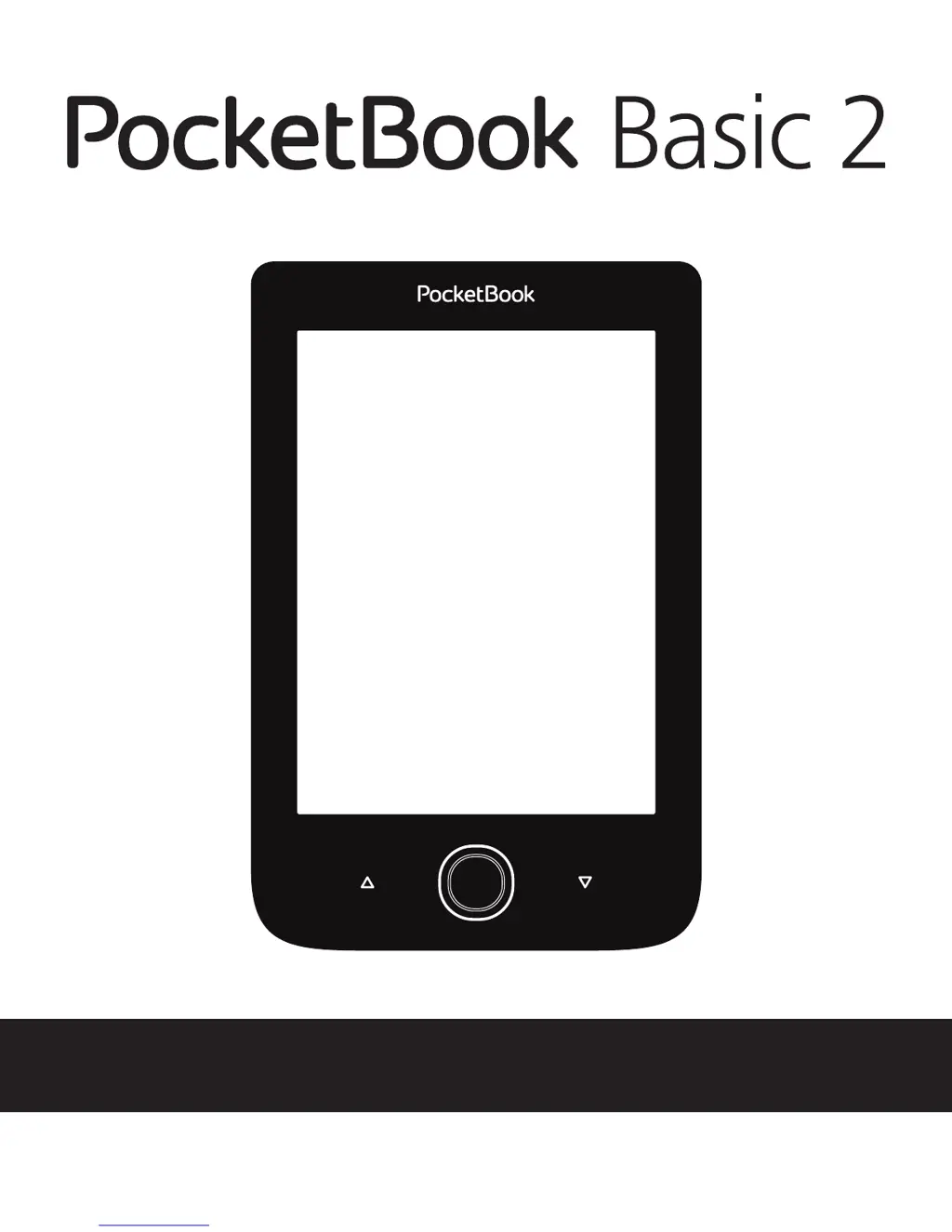
Pocketbook Basic 2 - User Manual

Pocketbook Basic 2
74 pages
Print Icon
To Next Page IconTo Next Page
Loading...
User Manual

Questions and Answers

  • F
    fullernicholasJul 27, 2025
    What to do if Pocketbook Basic 2 eBook Reader shows 'Upgrade image is corrupted or Image is empty'?
    • W
      William MillerJul 27, 2025
      This error occurs if the SWUPDATE.BIN file is damaged or the microSD card is full. To fix it, try deleting files from your card and recopy the SWUPDATE.BIN file. You may also want to redownload the file from www.pocketbook-int.com. If the issue persists, use a different microSD card.
  • C
    Caitlin RobinsonAug 3, 2025
    How to fix 'No upgrade image found' on Pocketbook eBook Reader?
    • B
      Bill GardnerAug 3, 2025
      This means the SWUPDATE.BIN file is missing from the microSD card. To resolve this, format your microSD card (back up your data first!) and copy the SWUPDATE.BIN file to the root directory of the empty card. If the problem continues, try using a different card.
  • N
    Natalie ChungAug 10, 2025
    Why does my Pocketbook eBook Reader say 'Error. A different firmware version is installed on the device'?
    • T
      Tiffany PadillaAug 10, 2025
      This error means that an older version of the firmware file is stored in the device's internal memory. To fix this, delete the old firmware file from the root folder of the device's internal memory.
  • M
    Mandy NolanAug 19, 2025
    What to do if Pocketbook Basic 2 shows 'File read error'?
    • J
      Jennifer KennedyAug 19, 2025
      A 'File read error' indicates a problem with your microSD card. The suggested solution is to try using a different microSD card with your Pocketbook eBook Reader.

Summary

Safety Precautions

Storage, Carriage and Usage Conditions

Guidelines for device operating temperature, environmental impacts, and handling.

Device Maintenance and Care

Instructions on cleaning, battery usage, and avoiding damage to the device.

Getting Started

Charging the Battery

Instructions for the initial and ongoing charging of the device's battery.

Power Management

How to turn the device on/off, lock the keypad, and manage power settings.

Loading Files onto the Device

Steps for connecting to a PC and transferring files.

Device Navigation

Explains how to use navigation buttons for menu and content interaction.

Connecting to the Internet

Steps for establishing a Wi-Fi connection for internet access.

Main Menu and Applications

Reading Books

Device Settings

Battery Saving Options

Adjusting settings to extend battery life and checking device status.

Firmware Update

Automatic Firmware Update

Steps for updating the device's firmware automatically via software.

Manual Firmware Update

Instructions for updating the firmware manually via a PC and website.

Troubleshooting

Firmware Update Errors

Resolving common issues related to firmware installation.

Device Malfunctions and Solutions

Common problems like device not turning on or books not opening.

Customer Support

Pocketbook Basic 2 Specifications

General IconGeneral
TechnologyE Ink Pearl
Aspect ratio4:3
Display diagonal6 \
Grayscale levels16
Display resolution800 x 600 pixels
Audio formats supportedNot supported
Image formats supportedBMP, JPG, PNG, TIF
Document formats supportedCHM, DjVu, DOC, DOCX, ePub, FB2, FB2.ZIP, HTM, HTML, MOBI, PDF, PRC, RTF, TCR, TXT
RAM capacity256 MB
Compatible memory cardsMicroSD (TransFlash)
Maximum memory card size32 GB
Internal storage capacity4 GB
Wi-FiYes
USB connector typeMicro-USB
Headphone connectivity-
Bundled softwareSnake, Sudoku, Klondike
Processor frequency1000 MHz
Battery capacity1300 mAh
Battery life (max)720 h
Product colorGray
Housing materialPlastic
Weight and Dimensions IconWeight and Dimensions
Depth8.3 mm
Width114.6 mm
Height174.4 mm
Weight188 g

Related product manuals