30
Bottom panel:
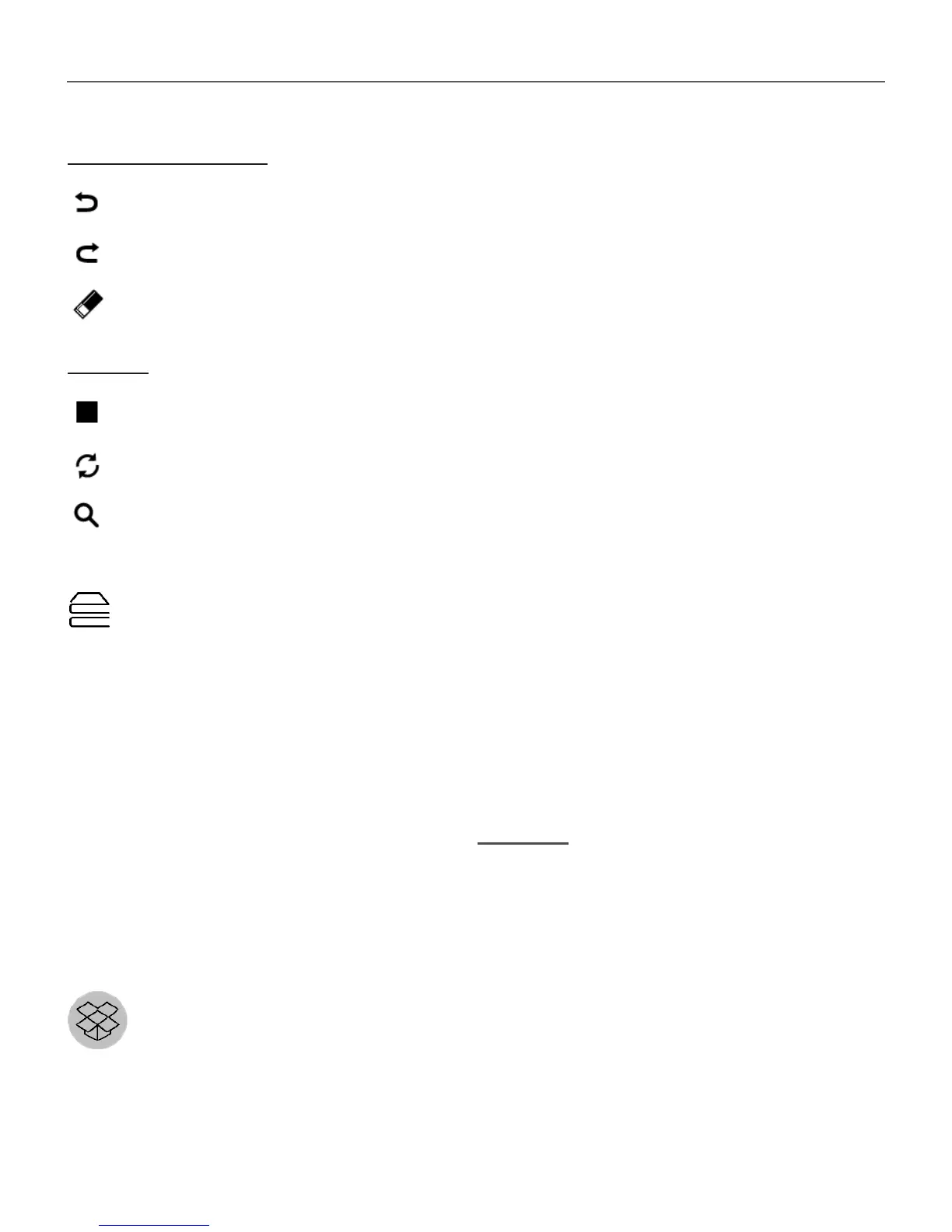
— Step Back (Cancel previous action);
— Step forward (active after “step back”);
— Clear cell.
Hints:
— a hint by highlighting instances of the chosen numeral.
— hiding labels, which are not correct for a cell no more
— a hint about possible labels for a cell.
Library
Library is e-books file manager, which allows to group, sort,
change appearance of the section and perform search.
Read more about this app at Library.
INTERACTIVE APPS
Dropbox PocketBook
DropBox application allows to download files, added to
Dropbox from any computer or any Device with installed














 To Next Page