Reading Books 42
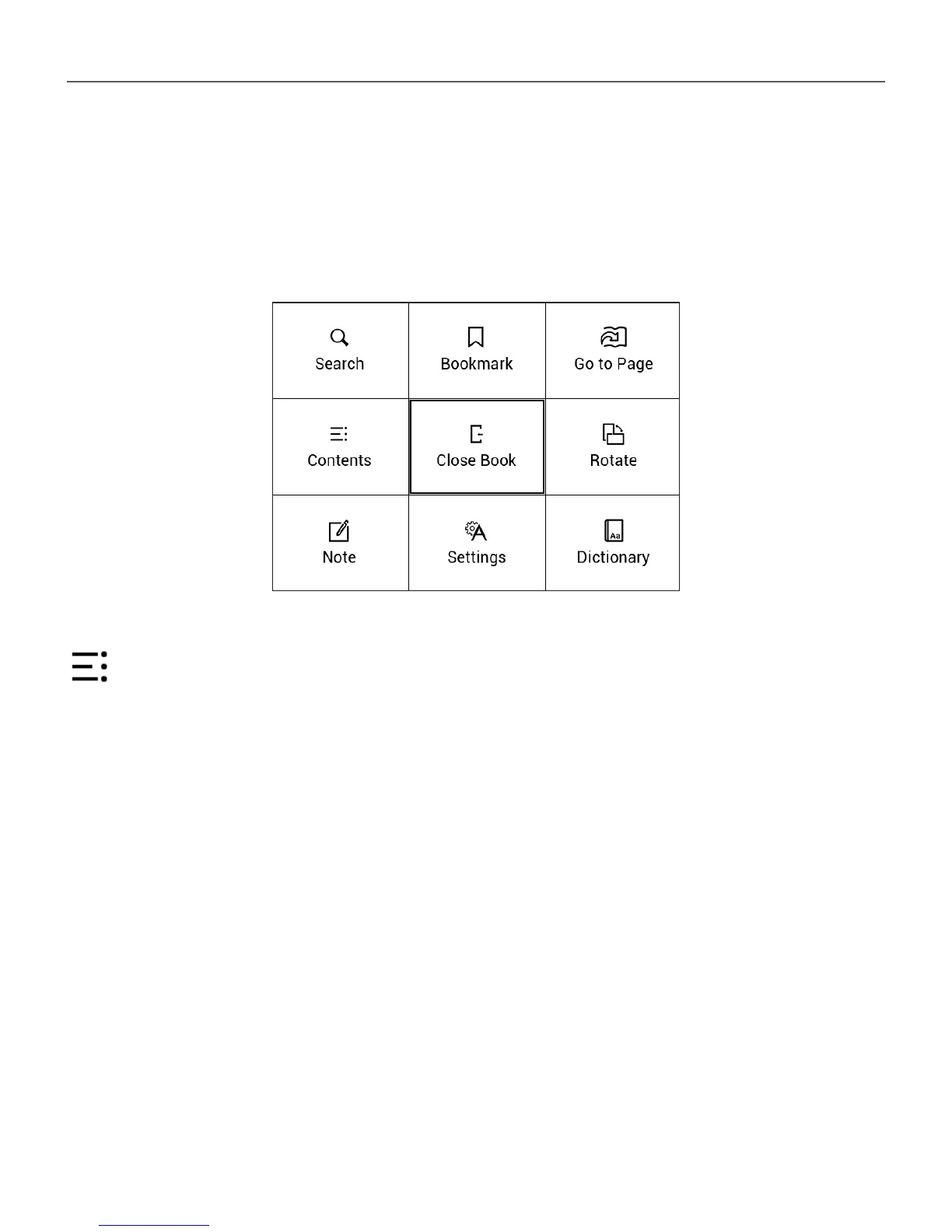
READING MENU
To access reader application menu press OK button.
Contents
Opens structured content of the book if present, otherwise
you’ll get message about missing table of contents. Active
contents display table of contents, bookmarks and notes
you’ve made during reading. If table of contents has more
than one level, higher level entry will be marked with ‘+’
sign. Expanded item is displayed with a sign ‘-‘. Buttons
Left/Right collapse/expand selected subsection branch.














 To Next Page