Reading Books 35
3. Books list views
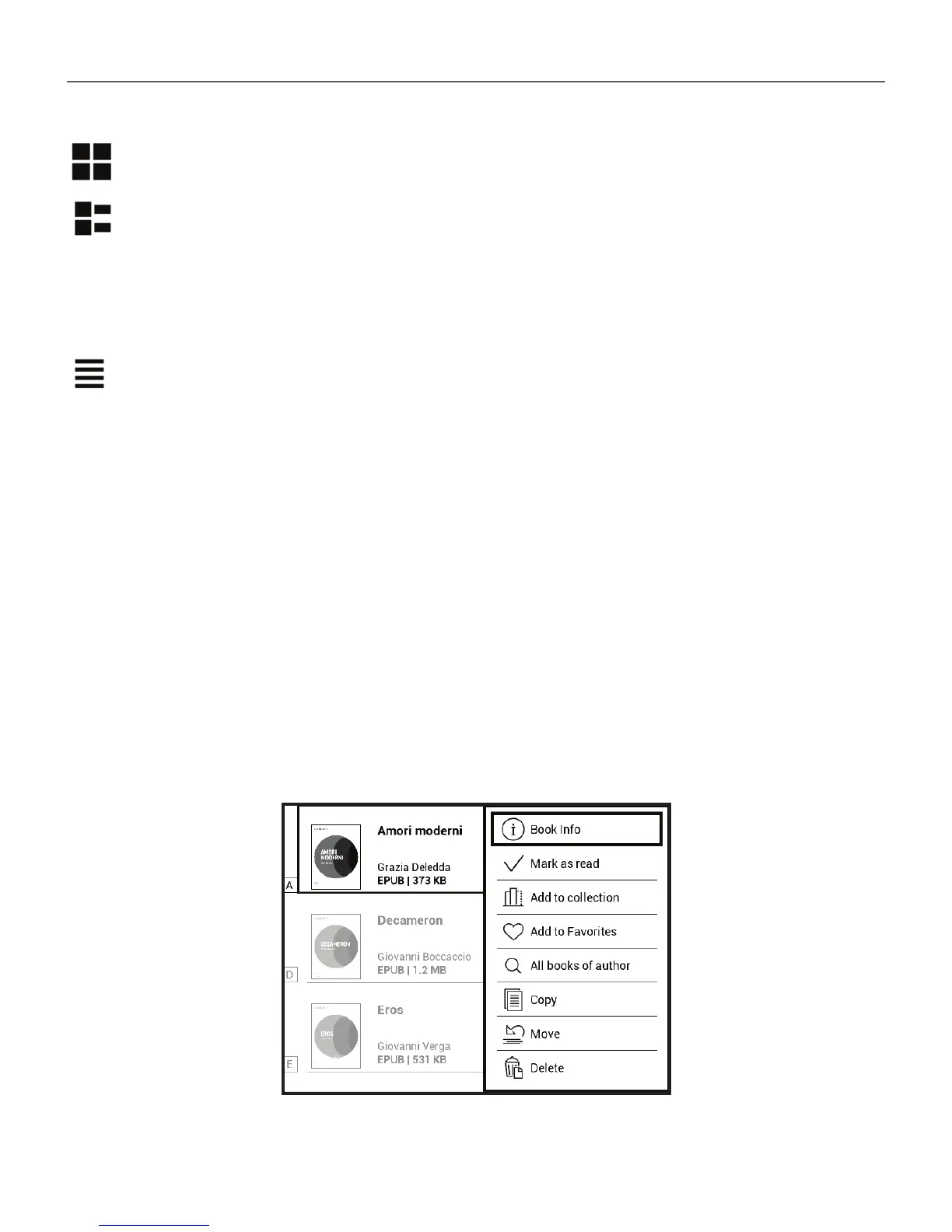
Simple – in this mode the cover icon of the book is displayed.
Detailed – in this mode there’s added author, titele,
thumbnails, information about fi le format and size, read
percentage.
List - in this mode next information is displayed:
• Folder or book icon;
• Book title and author name (if known);
• Read percentage and Read status.
Context menu
Context menu, evoked by continuous pressing OK, allows
performing the following operations:














 To Next Page